
Get-Command: Displays all available commands in PowerShell, helping users explore functionalities, discover modules, and understand command syntax efficiently for daily automation tasks.
Get-Help: Provides detailed documentation for commands, including syntax, examples, and parameters, making troubleshooting and learning PowerShell significantly easier for beginners and professionals.

Get-Process: Lists running processes on a system, allowing monitoring, filtering, and management of system performance and troubleshooting resource-intensive applications effectively.
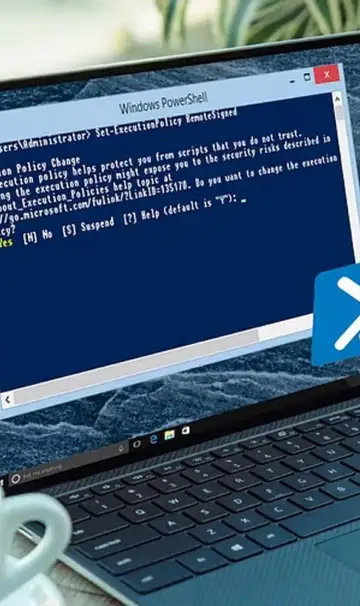
Set-ExecutionPolicy: Controls script execution permissions, ensuring secure PowerShell usage while enabling automation tasks through properly configured script policies on Windows systems.
Get-Service: Displays system services status, helping administrators monitor, start, stop, or manage services for maintaining system stability and performance.

Stop-Process: Terminates unwanted or unresponsive processes quickly, providing control over system resources and improving performance during troubleshooting or heavy workloads.

Test-Connection: Checks network connectivity between systems using ping-like functionality, useful for diagnosing network issues and verifying server accessibility.

Get-ChildItem: Retrieves files and directories from specified locations, functioning like directory listing commands and enabling file system navigation efficiently.

Invoke-Command: Executes commands remotely on multiple systems, enabling automation, administration, and configuration management across networked environments.
 Stories