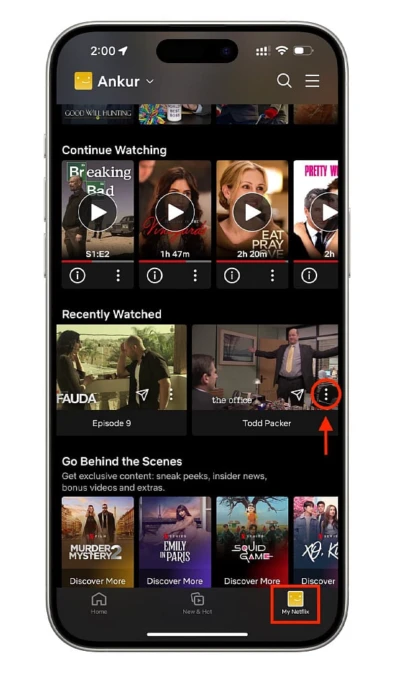

Clear Netflix History: Learn how to remove shows from viewing activity and refresh recommendations.

Go to Profile: Open Netflix, select the right profile to manage watch history.
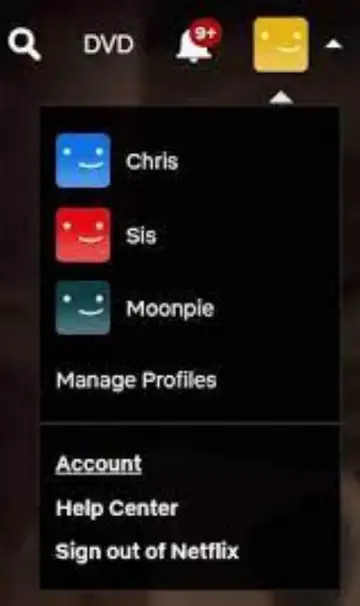
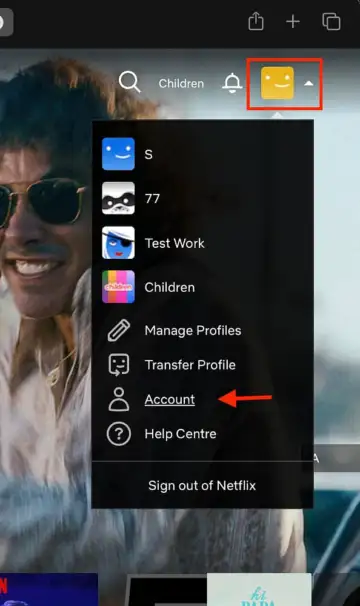
Access Account Settings: Navigate to "Account" from the menu for profile-specific controls.
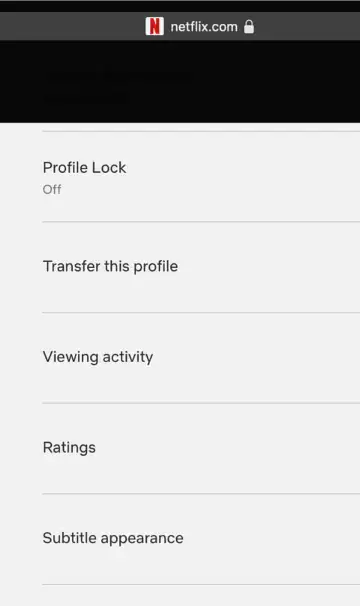
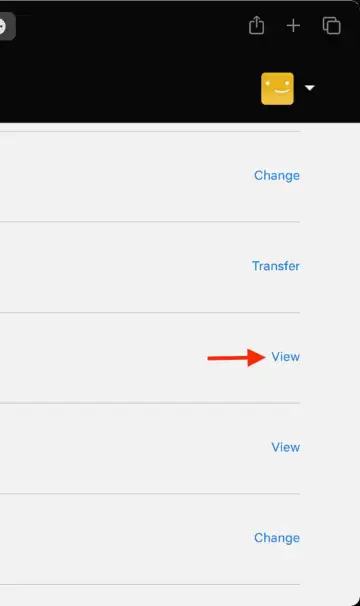
Open Viewing Activity: Scroll down to "Viewing Activity" to see everything watched.
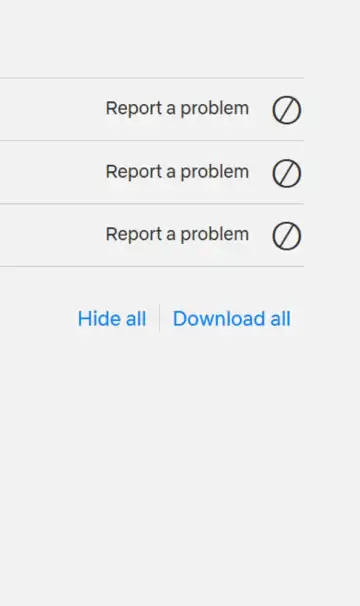
Remove Titles: Click the hide/remove icon beside shows or movies to clear them.
Clear Entire History: Choose the option to hide all titles if starting fresh.
Improve Suggestions: Removing unwanted titles helps Netflix recommend more relevant content.
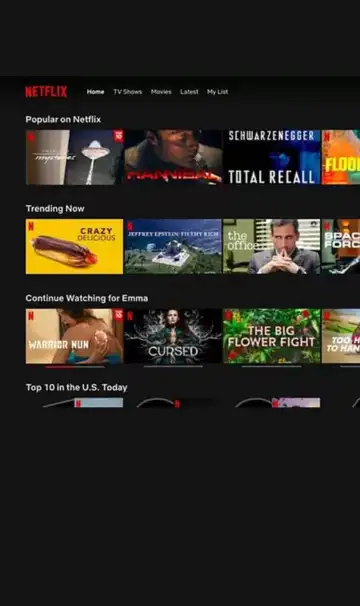
Fine-Tune Preferences: Rate shows and add to "My List" to guide future suggestions.

Enjoy Fresh Picks: With a clean history, Netflix tailors better recommendations instantly.
 Stories