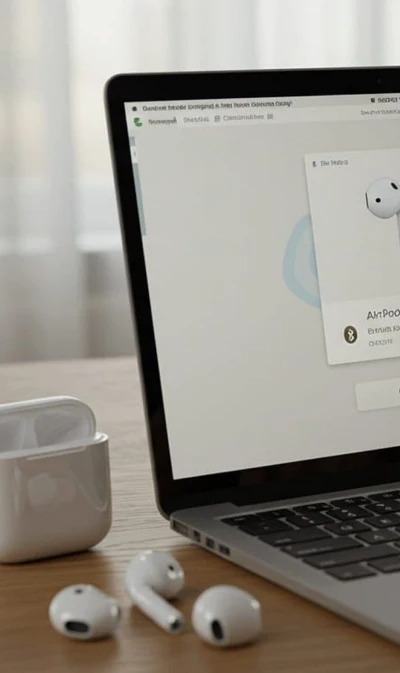

Open AirPods Case - Keep the AirPods inside and open the lid to start pairing mode.
Enable Bluetooth on Laptop -Turn on Bluetooth from settings on your Windows or Mac device.
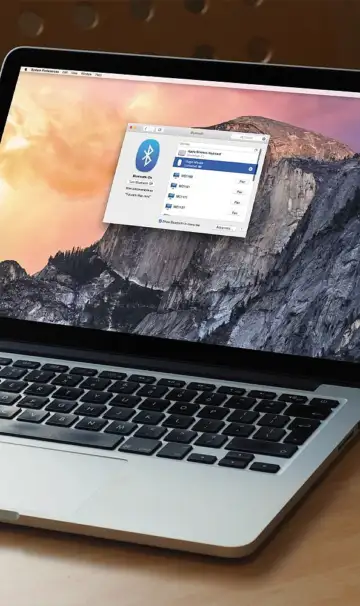
Press Pairing Button - Hold the button on the AirPods case until the LED starts blinking white.
Search for Devices - Go to Bluetooth settings and click "Add Device" or "Pair New Device."
Select AirPods - Choose your AirPods from the list of available devices.
Confirm Connection - Wait for the successful connection message on your laptop.
Set as Default Audio - Ensure AirPods are selected as the default output device.
Test Audio -Play music or a video to confirm sound is coming through AirPods.
Reconnect Easily Next Time - AirPods will auto-connect when Bluetooth is enabled.
Join our WhatsApp Channel to get the latest news, exclusives and videos on WhatsApp