

IOS 26.5 Beta Overview: Beta version introduces early features, bug fixes, and performance improvements, allowing users to test updates before official public release rollout.

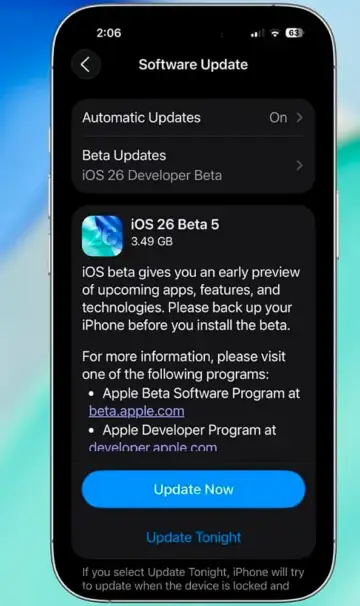
Importance Of Backup: Backing up your iPhone ensures data safety, allowing recovery if beta installation causes issues, crashes, or unexpected system instability.
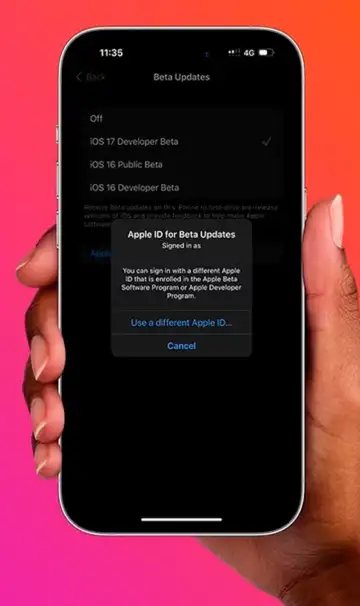
Eligibility Requirements: Users must enroll in Apple Beta Software Program and use compatible devices to access and install iOS beta updates successfully.

Step By Step Download Process: Navigate to settings, select software update, choose beta updates, and install the latest version using stable internet connection.
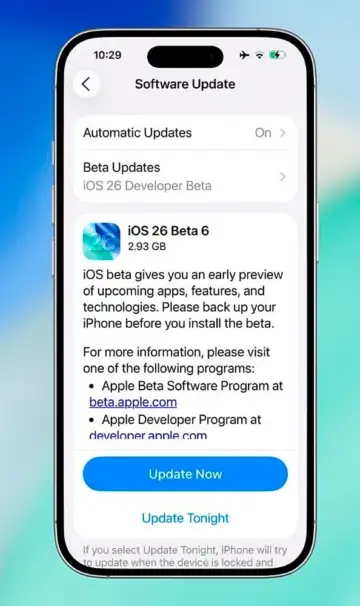
Key Features Introduced: Updates include interface refinements, improved notifications, enhanced AI suggestions, and performance optimizations aimed at better user experience.
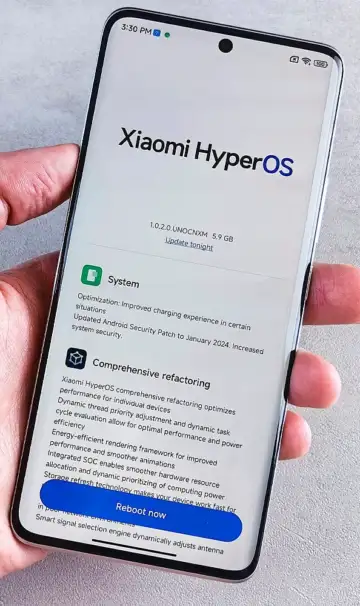
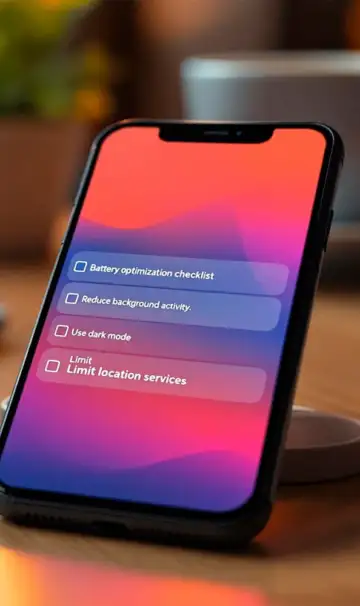
Performance And Battery Changes: Beta updates improve system responsiveness, reduce lag, and optimize battery usage through backend enhancements and refined processes.
Risks Of Beta Installation: Beta software may contain bugs, app crashes, and compatibility issues, making it unsuitable for primary devices used daily.
Who Should Install Beta: Developers and tech enthusiasts benefit most from early access, while general users should wait for stable version release.
Final User Recommendation: Install beta cautiously, keep backups ready, and stay updated with releases while prioritizing stability for everyday smartphone usage.
 Stories