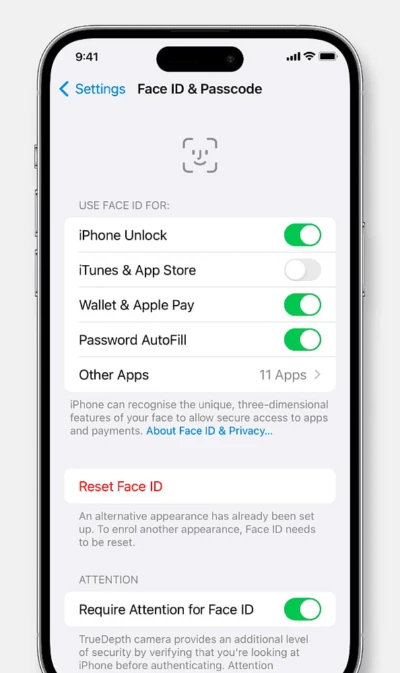

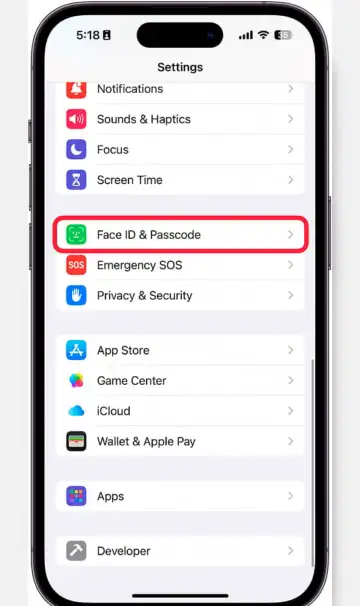
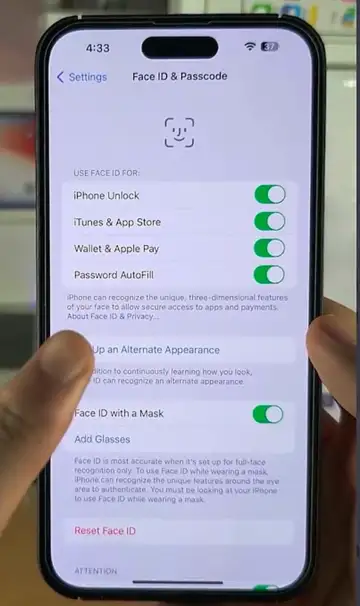
Check Face ID Settings: Ensure Face ID is enabled for unlock and apps by rechecking settings and re-enabling permissions if required.
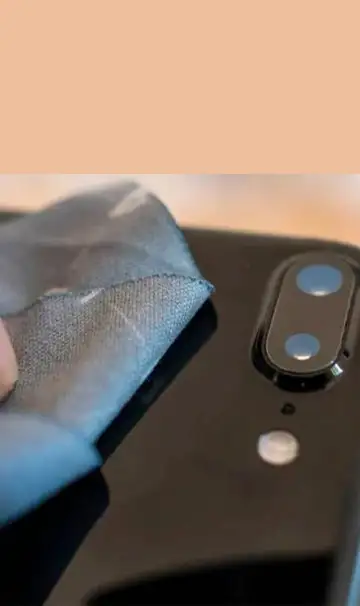
Clean the TrueDepth Camera: Wipe smudges or dust from the camera area to prevent blocked sensors affecting Face ID performance.
Improve Lighting Conditions: Use Face ID in well-lit areas so sensors detect facial details accurately for smoother unlocking.

Remove Sunglasses or Masks: Some glasses and masks block infrared detection, so remove them or enable Face ID with a Mask.

Reset Face ID: Delete Face ID data and register again for better calibration if frequent recognition failures occur.
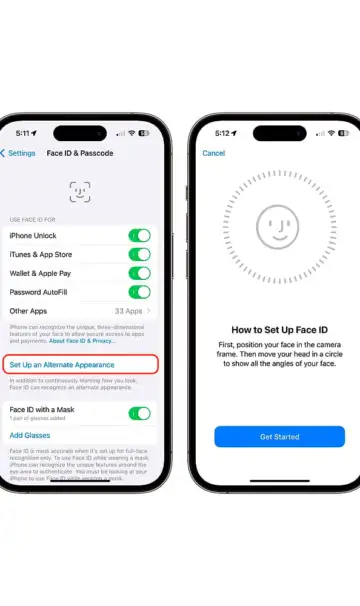
Add an Alternate Appearance: Add a secondary look for improved consistency when your appearance changes daily.
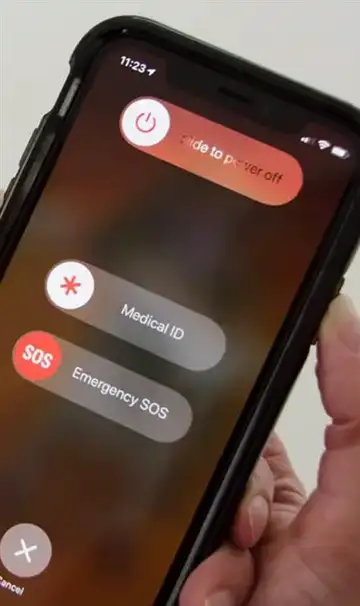
Restart Your Device: A reboot clears temporary bugs and restores proper Face ID functioning in many cases.
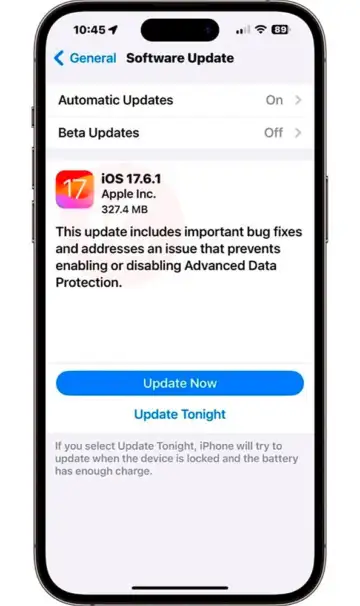
Update iOS/iPadOS: Install updates because Apple regularly fixes Face ID bugs and enhances performance.
Check for Hardware Damage: Drops or repairs may damage the TrueDepth camera, requiring Apple-authorized service.
 Stories