




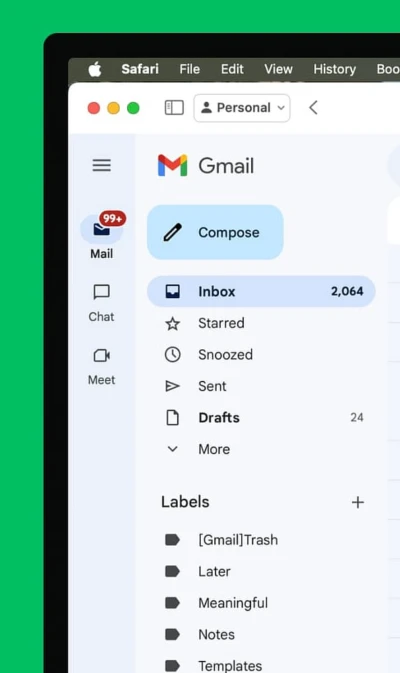

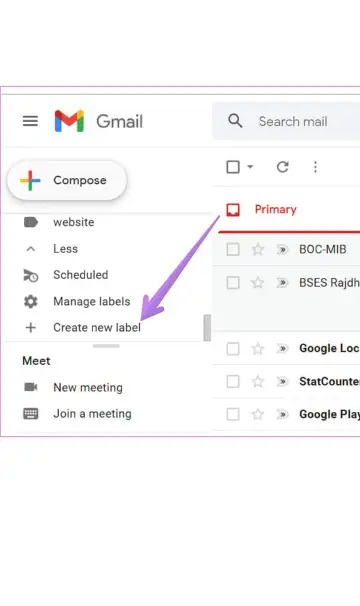
Create a new label in Gmail's sidebar to start grouping related emails.
Name your label clearly-like Work, Family, or Newsletters-for easy identification.
Manually apply labels by selecting emails, clicking the label icon, and choosing your label.
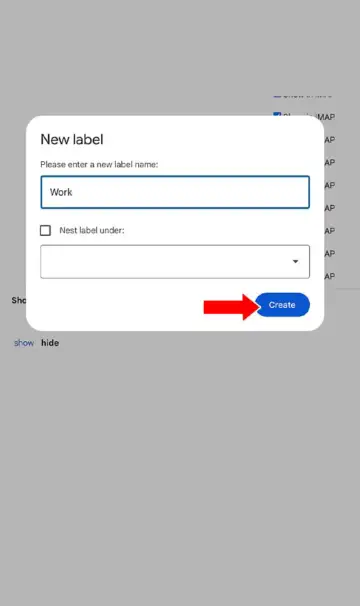
Drag and drop emails directly onto a label for quick organization.
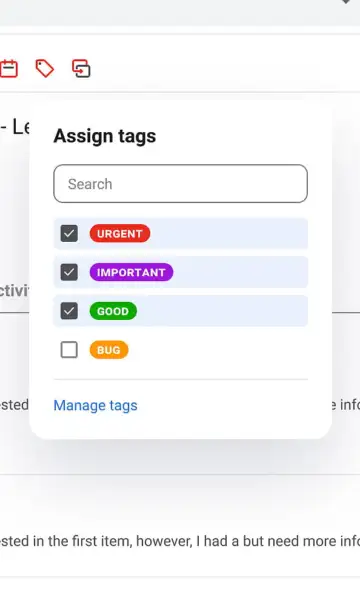
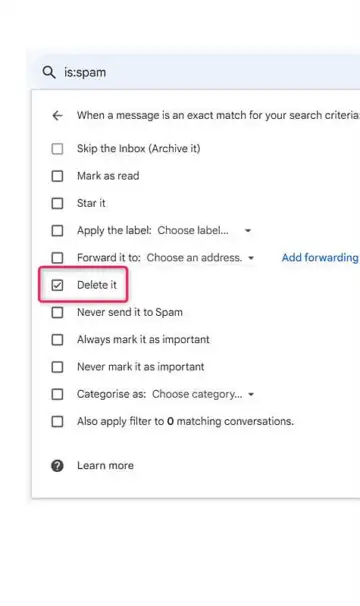
Set up filters with criteria to automatically label incoming emails.
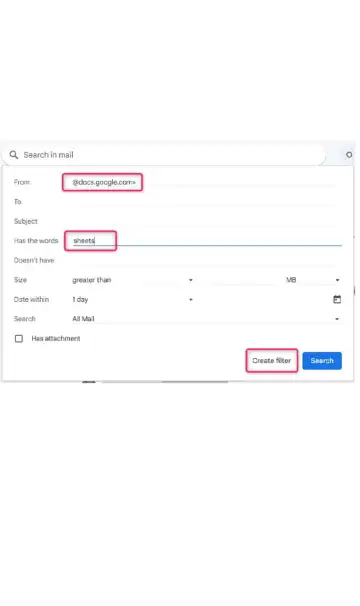
Use filter options like "Skip Inbox" or "Mark as Read" to keep inbox tidy.
Apply filters to existing emails so past messages get organized too.
Leverage Gmail's default categories like Social and Promotions to auto-sort emails.
Click any label or category in the sidebar to view grouped emails instantly.
 Stories