
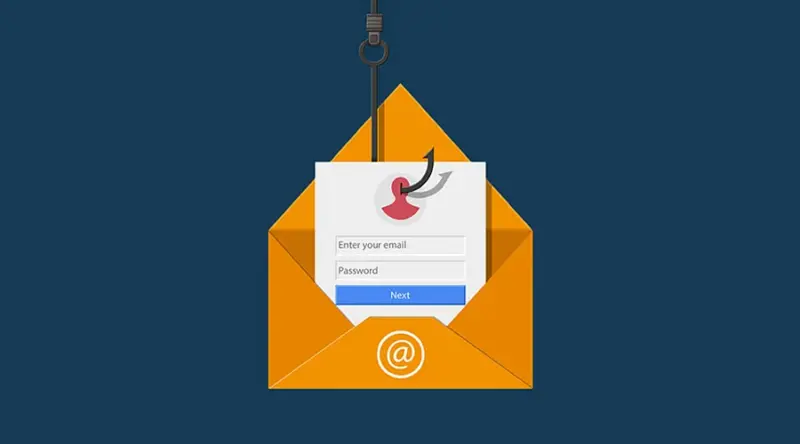

Check Sender's Address: Spot suspicious email domains-like "support@paypai1.com"-instead of official ones (e.g., paypal.com) to detect imposters
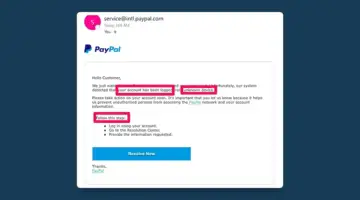
Look for Spelling & Grammar Mistakes: Scam emails often contain poor phrasing or typos-legit organizations rarely do
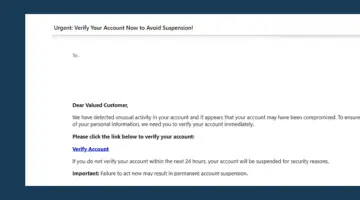
Beware Urgent or Threatening Tone: Phrases like "Act now!" or "Your account will be suspended!" are used to pressure you. The FBI says urgency is a major red flag
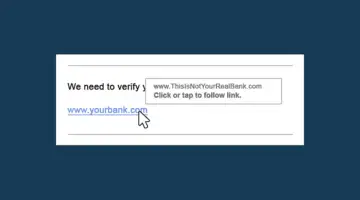
Inspect Links & Attachments: Hover over links to check real URLs. Unexpected attachments or mismatched link labels often hide malware
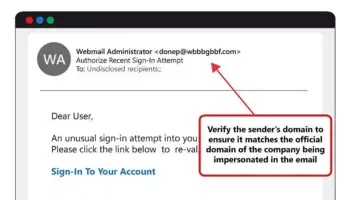
Check for Personalization: Generic greetings like "Dear User" instead of your name are common in phishing-they don't know you
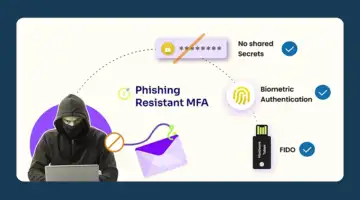
Use Strong Protection Tools: Enable phishing-resistant MFA (e.g. biometrics or hardware tokens), keep software current, and use AI-powered security extensions
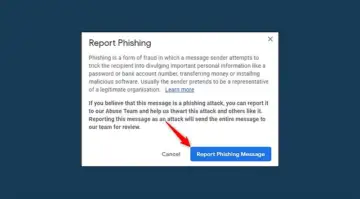
Report & Double-Check Suspicious Messages: Don't reply-report it via official channels or to IT support and verify with the sender using known contact info