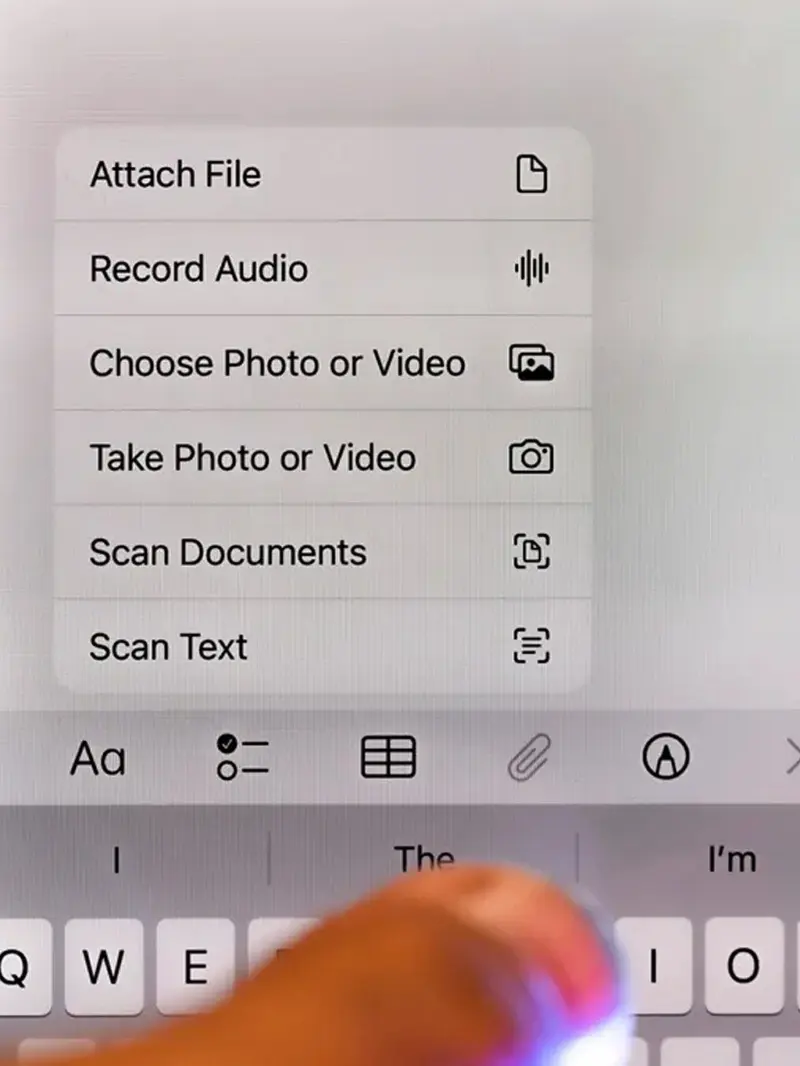

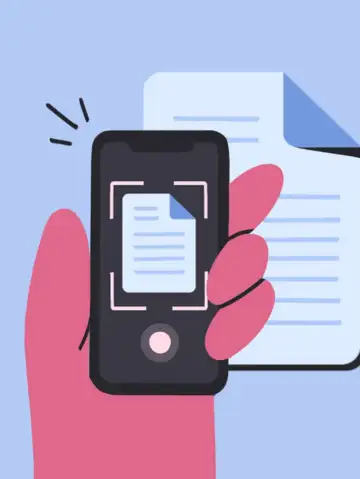
Your Apple iPhone has a hidden document scanner built inside the Notes app
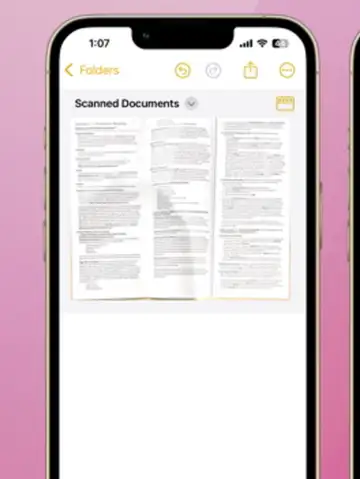
Open Apple Notes and tap camera icon to access scanning feature instantly
Select scan documents option to begin capturing papers using your iPhone camera easily
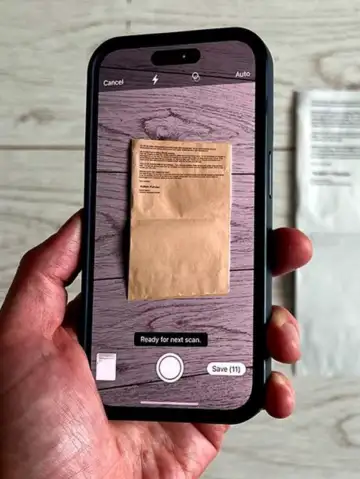
Align your document properly and let the iPhone auto-detect edges for scanning accuracy
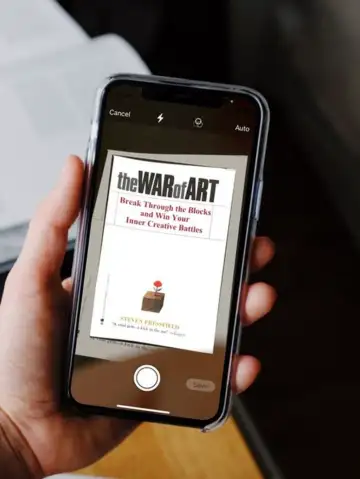
Adjust corners manually if needed before saving the scanned document within Notes app
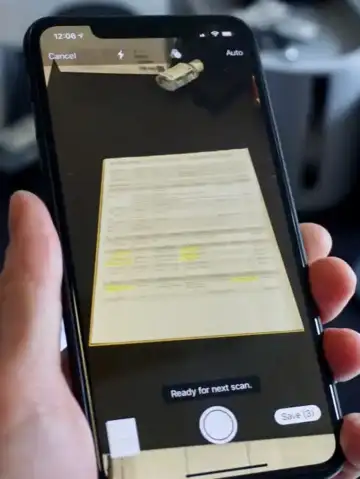
Use filters to enhance readability and clarity of scanned documents for better visibility
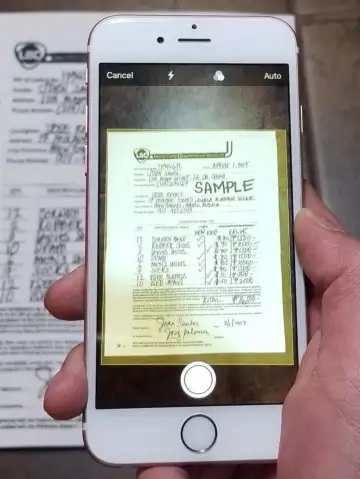
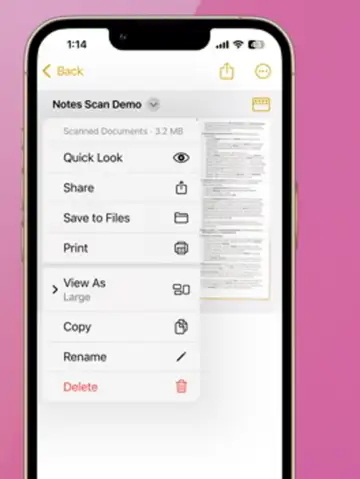
Save scans as PDFs and share instantly via email or messaging apps easily
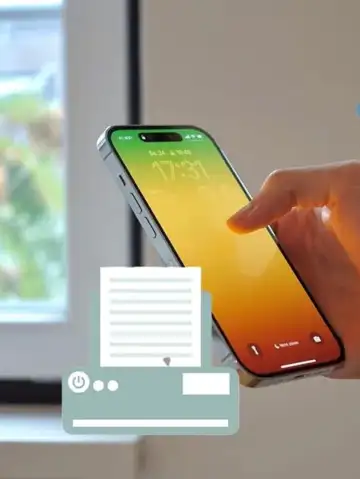
No need for third-party apps when Apple Notes provides powerful scanning features built-in

This hidden feature boosts productivity and simplifies document management on your iPhone daily
 Stories!