
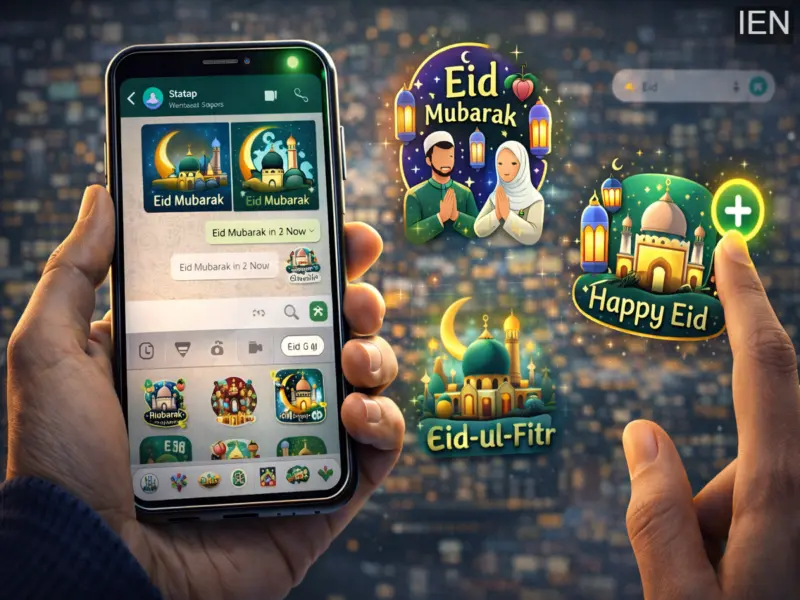

Festivals are a time to connect with loved ones, and digital messaging platforms have become one of the most popular ways to share greetings instantly.
One such platform is WhatsApp, which allows users to send creative stickers, images, and messages to celebrate special occasions.
During Eid-ul-Fitr, one of the most important Islamic festivals marking the end of the holy month of Ramadan, many people send warm wishes and festive greetings to friends and family. WhatsApp stickers provide a fun and expressive way to share these wishes, making conversations more lively and meaningful.
If you want to send Eid greetings using stickers, WhatsApp provides several options for downloading and sharing sticker packs directly from the app or through additional sources.
What Are WhatsApp Stickers?
WhatsApp stickers are digital graphics that users can send in chats instead of regular text messages or emojis. They help convey emotions, greetings, and reactions more visually.
The app offers built-in sticker packs as well as the ability to download new packs from the store. Users can easily add festival-themed sticker packs, including those designed for Eid celebrations.
Why Stickers Are Popular During Festivals
During major festivals like Eid, stickers have become a widely used way to send greetings. Instead of typing long messages, people often send colorful festive stickers with messages such as "Eid Mubarak."
Stickers are popular because they:
Add creativity and emotion to conversations
Make greetings more visually appealing
Allow users to express festive wishes quickly
Can be shared instantly with multiple contacts or groups
Requirements Before Downloading Stickers
Before you download and send WhatsApp stickers, make sure the following conditions are met:
You have the latest version of WhatsApp installed
Your phone has an active internet connection
Your WhatsApp account is active
Updating the app ensures access to the newest sticker features and packs.
Step-by-Step: How to Download and Send WhatsApp Stickers
Follow these simple steps to download and share stickers for Eid-ul-Fitr or any other festival.
Step 1: Open WhatsApp
Launch the WhatsApp application on your smartphone.
Step 2: Open Any Chat
Choose an individual chat or group conversation where you want to send the sticker.
Step 3: Tap the Emoji Icon
Tap the smiley icon located next to the text typing area.
Step 4: Select the Sticker Option
Tap the sticker icon next to the GIF option at the bottom of the screen.
Step 5: Open the Sticker Store
Tap the "+" icon in the top-right corner of the sticker section.
Step 6: Get More Stickers
Scroll down and select "Get more stickers."
Step 7: Download a Sticker Pack
Search for festive sticker packs related to Eid and download the one you like.
Step 8: Add to WhatsApp
Open the downloaded pack and tap Add to WhatsApp.
Step 9: Send the Sticker
Return to the chat and select the sticker you want to send.
Your Eid greeting sticker will now be delivered to the recipient.
Special Note for iPhone Users
Android devices allow users to download and use third-party sticker packs easily. However, Apple's iOS ecosystem has stricter rules regarding third-party sticker apps.
If you are using an iPhone, you can still send stickers by saving any received sticker as a favorite. Once saved, it can be reused and forwarded to other chats.
Another simple method is to ask an Android user to send the sticker pack to you so you can save and reuse it later.
Final Thoughts
WhatsApp stickers have transformed the way people share greetings during festivals. With just a few taps, users can send colorful and expressive messages to celebrate occasions like Eid-ul-Fitr.
Whether you download a festive sticker pack or save stickers shared by friends, WhatsApp offers an easy way to spread joy and stay connected with loved ones during special celebrations.