
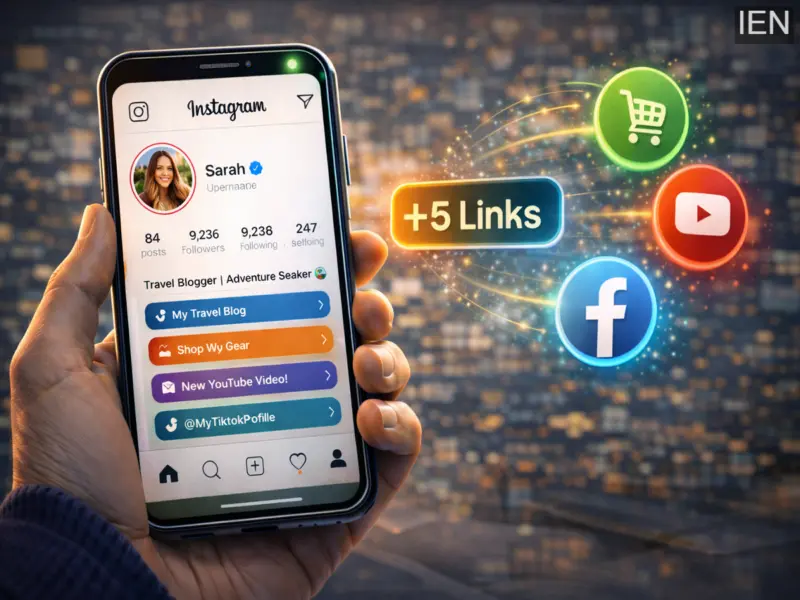

Social media platforms are constantly evolving to help users showcase more information on their profiles. One of the latest improvements comes from Instagram, which now allows users to add multiple links directly in their bio .
Earlier, Instagram users could include only a single clickable link in their profile. This limitation forced many creators, influencers, and businesses to rely on third-party link tools. With the new update, users can now add up to five links directly in their Instagram profile without using external services.
The feature is available for all types of accounts, including personal profiles, creators, and business accounts. It enables users to share multiple websites, portfolios, online stores, campaigns, or social media profiles directly from their Instagram bio.
What Is the Instagram Multiple Links Feature?
The multiple links feature allows users to add several external URLs to their Instagram profile. These links appear under the bio section and can direct visitors to different webpages.
This update is particularly useful for people who want to share:
Personal websites or portfolios
Online stores or product pages
YouTube channels or blogs
Event pages or campaigns
Other social media profiles
By allowing multiple links, Instagram helps users present more information and direct followers to important platforms.
Who Can Use This Feature?
The ability to add multiple links is available to all Instagram users, including:
Personal accounts
Creator accounts
Business profiles
However, to use this feature, users must ensure that they are using the latest version of the Instagram application.
Benefits of Adding Multiple Links in Instagram Bio
This feature offers several advantages for users who rely on Instagram to build their online presence.
Share More Information
Users can link several websites, making it easier to present different types of content.
Helpful for Businesses
Brands can promote product pages, offers, and campaigns in one place.
Better for Creators and Influencers
Creators can direct followers to different platforms like blogs, videos, or affiliate links.
Organized Profile
Instagram also allows users to rearrange links by dragging and dropping them in order.
Step-by-Step Guide: How to Add Multiple Links in Instagram Bio
Follow these simple steps to add more than one link to your Instagram profile:
Step 1: Open Instagram
Launch the Instagram app on your smartphone.
Step 2: Go to Your Profile
Tap on your profile icon located at the bottom right corner of the screen.
Step 3: Tap Edit Profile
Select the Edit Profile option on your profile page.
Step 4: Navigate to Links
Scroll down and tap on the Links section.
Step 5: Add External Link
Select Add External Link and paste the website URL you want to include.
Step 6: Save the Link
Once added, save the link and repeat the process if you want to include additional links.
Instagram allows users to add up to five links in their bio.
Step 7: Organize the Links
You can rearrange the order of the links by dragging and dropping them in the list.
After completing these steps, the links will appear directly below your Instagram bio.
Meta's Ongoing Changes and Restructuring
While Instagram continues to introduce new features, its parent company Meta Platforms has also been making significant organizational changes.
Reports earlier suggested that the company planned additional layoffs as part of a broader restructuring strategy. According to reports, the cost-cutting initiative could lead to the elimination of thousands of positions across several divisions, including Facebook, Instagram, WhatsApp, and Reality Labs.
These changes are part of the company's efforts to streamline operations and focus on long-term growth.
Final Thoughts
The ability to add multiple links in the Instagram bio is a welcome update for users who want to share more information with their audience. Whether you are a creator, entrepreneur, or casual user, this feature makes it easier to direct followers to various platforms from a single place.
By updating the app and adding relevant links, users can enhance their profile and improve how they connect with their audience online.