




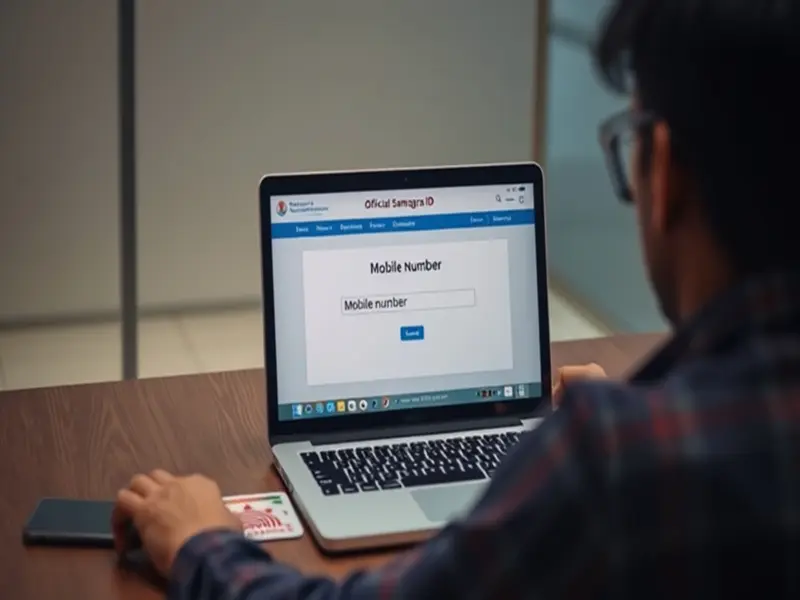

MP Samagra ID Download: In Madhya Pradesh, the Samagra ID has become an essential document for availing the benefits of government schemes.
Now, you no longer need to visit any physical location to obtain or download it. The Samagra ID can be easily downloaded online from the comfort of your home. The government has simplified this process to such an extent that anyone can download it using a mobile phone or a laptop. This saves time and offers relief from the hassle of standing in long queues.
**What is a Samagra ID and Why is it Important?**
The Samagra ID is a unique identification number issued by the Government of Madhya Pradesh, which links information regarding a family and its individual members. This ID is specifically required for accessing the benefits of various government schemes. It is utilized for services such as rations, pensions, scholarships, and other welfare programs. There are two types of Samagra IDs: a Family ID and a Member ID. This system integrates all citizens of the state onto a single platform, making it easier for the government to accurately identify beneficiaries. Therefore, if you reside in Madhya Pradesh, this ID is indispensable for you.
**How to Download Your Samagra ID Online**
To download your Samagra ID, you need to visit the official Samagra Portal website. Once there, you must select the option for either a Samagra ID or a Family ID. Subsequently, you can perform a search by entering your Samagra ID, mobile number, or other relevant details. As soon as your information is retrieved, your ID will appear on the screen. You can then proceed to download or print it. This process is very straightforward and does not consume much time. A key advantage is that you can access it at any time and from any location.
**You Can Complete the Entire Process Using a Mobile Phone**
If you do not have access to a laptop or computer, you can still download your Samagra ID using your mobile phone. To do this, simply open the Samagra Portal website in your mobile browser. The website is mobile-friendly, ensuring that all options are clearly visible and easily accessible. You can follow the same steps to search for and download your ID. Additionally, you have the option to save a copy of it by taking a screenshot. This feature is particularly useful for individuals who are away from home or who do not have access to a computer.
Steps to Download Your Samagra ID via Mobile
Open the Samagra ID portal in your mobile browser.
On the homepage, locate the "Samagra ID Search" option.
Enter your Family ID, Member ID, or Mobile Number.
After filling in the correct details, click the "Search" button.
Your Samagra ID will appear on the screen.
Download it, or take a screenshot to save it on your mobile device.
What Information Will You Need?
To retrieve your Samagra ID, you will need certain essential details. These include your Family ID, Member ID, or Mobile Number. If you do not remember your ID, you can search for it by entering your name, the name of a family member, your village, and your district. In some instances, information such as your Aadhaar number may also prove useful. Once the correct details are entered, your ID will instantly appear on the screen. Therefore, it is advisable to have the necessary information ready beforehand to ensure the process is completed quickly and to avoid having to make repeated attempts.
Benefits of Having a Samagra ID
Possessing a Samagra ID allows you to receive direct benefits from various government schemes. It simplifies the process of verifying your identity and helps keep government records up to date. This ID is mandatory when applying for scholarships, pensions, ration entitlements, and other welfare programs. Furthermore, it helps enhance transparency, thereby preventing fraudulent beneficiaries from accessing benefits. This system is also highly advantageous for the government, as it ensures the accurate and efficient distribution of scheme benefits. Thus, the Samagra ID has become an essential tool for both citizens and the government alike.
Disclaimer: This content has been sourced and edited from TV9. While we have made modifications for clarity and presentation, the original content belongs to its respective authors and website. We do not claim ownership of the content.