
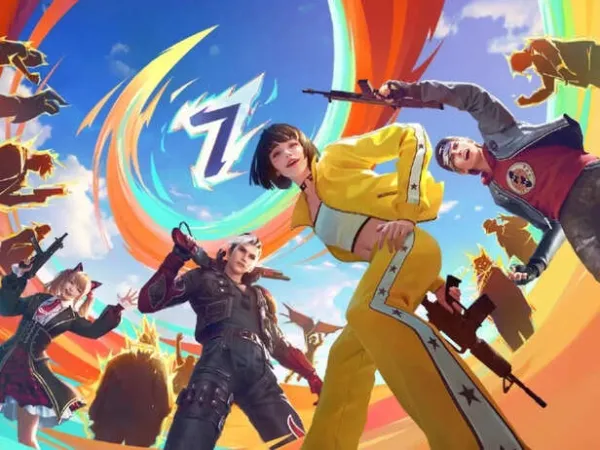

Free Fire players, the wait is finally over! Yes, Garena has officially dropped the OB53 patch on Wednesday, April 8. The Free Fire OB53 Update Download APK links are now live and are bringing the heat with the most anticipated Gun Tama collaboration, game-changing stealth character and 100-player lobbies.
What are the Free Fire OB53 update download APK links?
An APK link is a web address that lets users download an Android Package Kit (.apk) file, enabling them to install apps on Android devices without using the official Google Play Store.Free Fire OB53 update download APK links are the links that players can use if they are unable to access the Google Play Store; the OB53 APK and OBB files can be downloaded from community-trusted platforms like APKMirror, APKPure or Uptodown.
However, it is important to stay cautious when using third-party sources, as unofficial downloads may carry security risks such as malware or compromised files.
 X | @freefire | OB53 Update Guide
 Are Free Fire OB53 update download APK links live?
According to Inside Sport, Garena has officially announced the global release timeline for Free Fire OB53 update download APK links. Players can expect the update to go live on Wednesday, April 8, 2026, at 9:30 AM IST.Here are the links below:
- Free Fire OB53 update for Android - Download here
- Free Fire OB53 update for iOS - Download here
Step-by-step guide to download the Free Fire OB53 APK download (use with caution)
- Step 1: Visit the official Free Fire website or a trusted APK site.
- Step 2: Search for the latest Free Fire OB53 APK file.
- Step 3: Tap on the "Download APK" button to start downloading.
- Step 4: Go to your phone's settings and enable "Install apps from unknown sources".
- Step 5: Once the download is complete, open the APK file.
- Step 6: Tap "Install" to begin the installation process.
- Step 7: After installation, disable "unknown sources" for better security.
 X | @freefire | Free Fire OB53 APK Links Are Live
 Steps to download the FF OB53 update APK on Android devices:
- Step 1: Open the Google Play Store on your Android device. (Official Stores (Recommended))
- Step 2: Tap on the search bar at the top.
- Step 3: Type "Free Fire" and press search.
- Step 4: Select the official game published by Garena.
- Step 5: Tap on the "Install" button.
- Step 6: Wait for the download and installation to complete automatically.
For iOS devices
- Step 1: Open the App Store on your iPhone or iPad and tap the "Search" icon at the bottom.
- Step 2: Enter "Free Fire" in the search bar and hit search.
- Step 3: Select the official app by Garena, then tap "Get" (or the cloud icon) to download.
- Step 4: You may need to verify using Face ID, Touch ID, or your Apple ID password.