
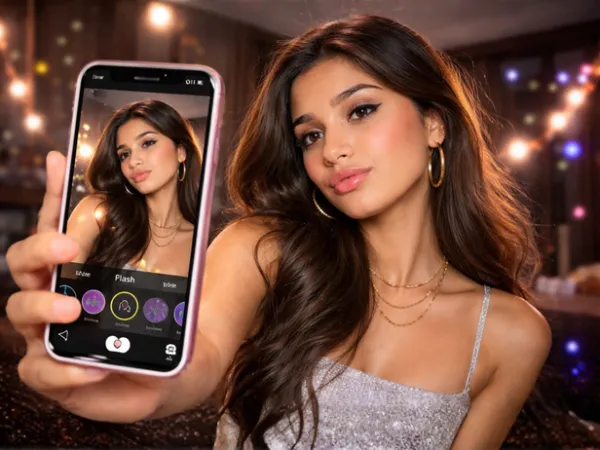

My entire weekend was just about one thing. I am opening Instagram, and seeing someone new using the latest viral filter. So now, open Instagram for five seconds and notice how it becomes obvious: the flash photo era has arrived.
No, everyone did not magically upgrade their phones overnight. The real culprit is Instagram's latest flash filter trend, and it is making ordinary photos look suspiciously expensive.
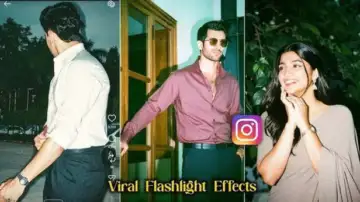 Instagram | Unlike older filters that blurred faces into another species, this one keeps things realistic. It simply adds polish, punch and a little chaos.
 Why this trend blew up so fast
The filter does one thing brilliantly: it makes faces the main character. Brightened skin tones, sharper contrast and that faux-camera-flash effect instantly grab attention while scrolling.
In a sea of dull selfies and random brunch dumps, this trend screams, "Look at me immediately."
Unlike older filters that blurred faces into another species, this one keeps things realistic. It simply adds polish, punch and a little chaos.
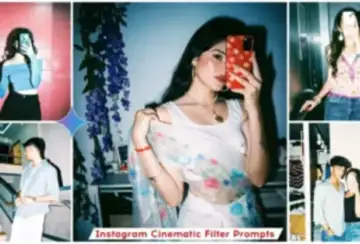 Instagram | In a sea of dull selfies and random brunch dumps, this trend screams, Look at me immediately.
1. Open Instagram stories: Head to your Story camera like you are about to post something dramatic.
2. Choose your photo: Pick a photo from your gallery. Half-body shots and close-ups usually work best.
Unlike older filters that blurred faces into another species, this one keeps things realistic. It simply adds polish, punch and a little chaos.
Instagram | In a sea of dull selfies and random brunch dumps, this trend screams, Look at me immediately. Step-by-step: How to create the flash look on Instagram
Getting the look is embarrassingly easy.1. Open Instagram stories: Head to your Story camera like you are about to post something dramatic.
2. Choose your photo: Pick a photo from your gallery. Half-body shots and close-ups usually work best.
3. Tap effects: Once the image loads, open the Effects section.
4. Find the flash-style filter: Scroll through the options until you spot the flash-inspired effect.
5. Apply it: Tap once and watch your basic photo become feed-worthy.
The lighting becomes stronger, facial features stand out, and the background gets that sleek late-night editorial vibe.
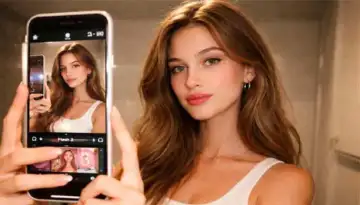 AI generated via ChatGPT | Skin looks smoother, lighting is crisp, and backgrounds have that dark moody drama people cannot stop posting.
If the first result feels odd, try again. Sometimes the second or third version obviously looks smoother and better, cause remember it's just a new update, it might have bugs.
4. Find the flash-style filter: Scroll through the options until you spot the flash-inspired effect.
5. Apply it: Tap once and watch your basic photo become feed-worthy.
The lighting becomes stronger, facial features stand out, and the background gets that sleek late-night editorial vibe.
AI generated via ChatGPT | Skin looks smoother, lighting is crisp, and backgrounds have that dark moody drama people cannot stop posting. Want a cleaner finish? Try Gemini
Some users are also using Google Gemini to level things up. Upload a solid photo and use prompts like Flash 1 or Flash 2. The tool adjusts tones and lighting while keeping your outfit and setting intact.If the first result feels odd, try again. Sometimes the second or third version obviously looks smoother and better, cause remember it's just a new update, it might have bugs.
Note: This trend enhances a photo, it does not perform miracles. If the original image is blurry, chaotic or badly lit, the result can still look tragic.
Start with a decent photo, then let the filter do its glamorous little scam.
Start with a decent photo, then let the filter do its glamorous little scam.