




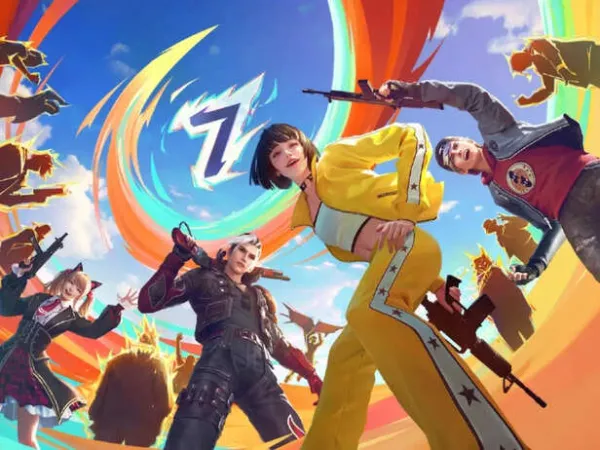

Free Fire fans get ready for the next most awaited update of the year. Yes, you read that right; after the successful roll-out of Free Fire MAX OB52 Advance Server in January 2026, Garena is all set to drop its Free Fire MAX OB53 Advance Server update soon.
Players have already turned their attention to the upcoming testing phase. Let's find out when the OB53 Advance Server is going to officially release, what expected new content it is likely to introduce and a step-by-step guide to register.
On the other hand, the Advance Server acts as a special platform where selected players can test the upcoming features, report bugs, if any, before the official release and share the feedback ahead of the launch.
When is Free Fire MAX OB53 Advance Server going to release? (Expected date)
According to Inside Sport, based on Garena's consistent update cycles, the OB53 Advance Server is speculated to drop around February 20, 2026. This testing phase usually takes place before the worldwide release of the full patch that is anticipated to arrive in March 2026.On the other hand, the Advance Server acts as a special platform where selected players can test the upcoming features, report bugs, if any, before the official release and share the feedback ahead of the launch.
 X | @freefire | Free Fire MAX OB53 Advance Server Is Coming
 Leaks suggest Free Fire OB53 Advance Server update is rumoured to bring a Gintama collaboration
Well, one of the most talked-about rumours surrounding the upcoming OB53 update is a possible crossover with the popular anime series Gintama. Renowned dataminers suggest that the collaboration may bring several cosmetics to the game:- Sakata and Hijikata Bundles: Character outfits inspired by the anime's main characters.
- Themed Skin: A unique fist skin designed around the Gintama theme.
Players should keep an eye on official announcements and social media channels for confirmed details and schedules.
 X | @freefire | OB53 Advance Server Expected Soon With Anime Crossover Rumours
 Step-by-step guide to register for the Free Fire MAX OB53 Update Advance Server
Note: Before we jump into how to register for the server, all players cannot access the update, and it requires a specific registration procedure.- Step 1: Visit the official website: Firstly, the players need to head to the official Free Fire Advance Server website once the registration window opens.
- Step 2: Log in: Now they need to log in using a Facebook or Google account that is already linked to your in-game profile.
- Step 3: Activation code: After completing the registration form with a valid address, selected players will receive a unique activation code, which is required to access the Advance Server client.