




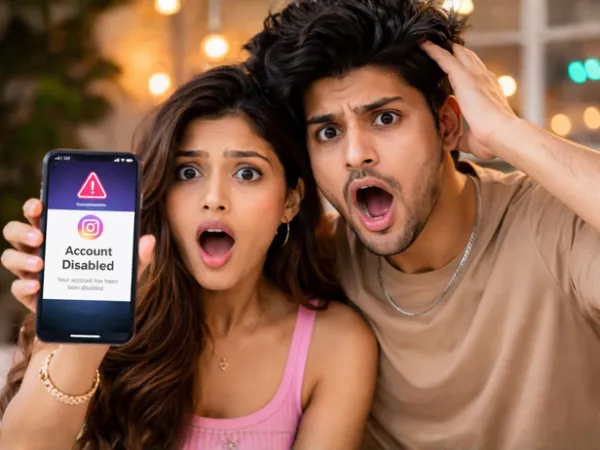

If your Instagram feed lately feels like a digital panic room filled with creators screaming "my account got disabled", you are definitely not imagining things.
From meme pages and beauty creators to photographers and even influencers with millions of followers, people across Instagram are suddenly waking up to suspension notifications with almost zero explanation.
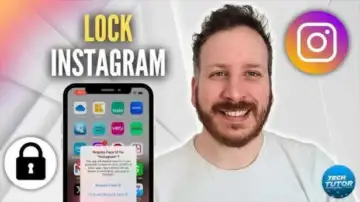 YouTube/techtutor | Basically, if your activity starts looking robotic, the algorithm may start treating you like one.
Nobody really knows why the platform's automated systems are suddenly acting extra aggressive, but users are now scrambling for ways to protect their accounts before the algorithm randomly decides to ruin their week.
People online are calling it a kind of "digital key" because it directly links your face to your account. Basically, it helps Instagram recognise that an actual human owns the profile instead of a bot or suspicious account.
YouTube/techtutor | Basically, if your activity starts looking robotic, the algorithm may start treating you like one. How to protect your Instagram account from disabling?
And honestly? The chaos is making everybody paranoid.Nobody really knows why the platform's automated systems are suddenly acting extra aggressive, but users are now scrambling for ways to protect their accounts before the algorithm randomly decides to ruin their week.
The viral "protection hack" everyone is talking about
One feature quietly becoming the internet's favourite safety trick is Instagram's Verification Selfie.People online are calling it a kind of "digital key" because it directly links your face to your account. Basically, it helps Instagram recognise that an actual human owns the profile instead of a bot or suspicious account.
And right now, that tiny step could genuinely save creators from future headaches.
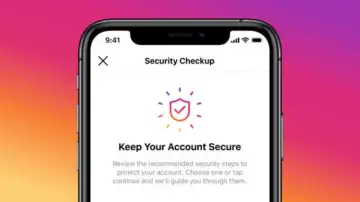 X | Using random follower-tracking apps, mass following people overnight, sending repetitive DMs, or rapidly switching devices can all trigger suspicion.
 Here is how to set it up
The process is surprisingly simple.Go to Settings, then head to Accounts Centre. From there, tap Password and Security and select Verification Selfie.
Instagram will ask you to record a short video selfie where you move your face in different directions to create a 3D facial scan.
Yes, it feels slightly dystopian. But also? Weirdly necessary in 2026.
The tiny details that actually matter
A lot of users forget that account recovery becomes significantly harder when profile information does not match official documents.That means your name, birthday, email address, and phone number should stay updated and consistent with your government ID wherever possible.
Enabling two-factor authentication is also becoming non-negotiable now. Whether through SMS or an authenticator app, that extra layer of security can stop hackers and suspicious login attempts before they spiral.
Stop acting like a spam bot
Instagram's systems are extremely sensitive to behaviour that looks automated.Using random follower-tracking apps, mass following people overnight, sending repetitive DMs, or rapidly switching devices can all trigger suspicion.
Basically, if your activity starts looking robotic, the algorithm may start treating you like one.
 ChatGPT | X | If your Instagram feed lately feels like a digital panic room filled with creators screaming my account got disabled, you are definitely not imagining things.
 The internet's new survival skill
At this point, protecting your Instagram account feels less like social media management and more like digital survival training.Because in the creator economy, losing your account overnight is not just annoying anymore, it can wipe out years of work in seconds.