




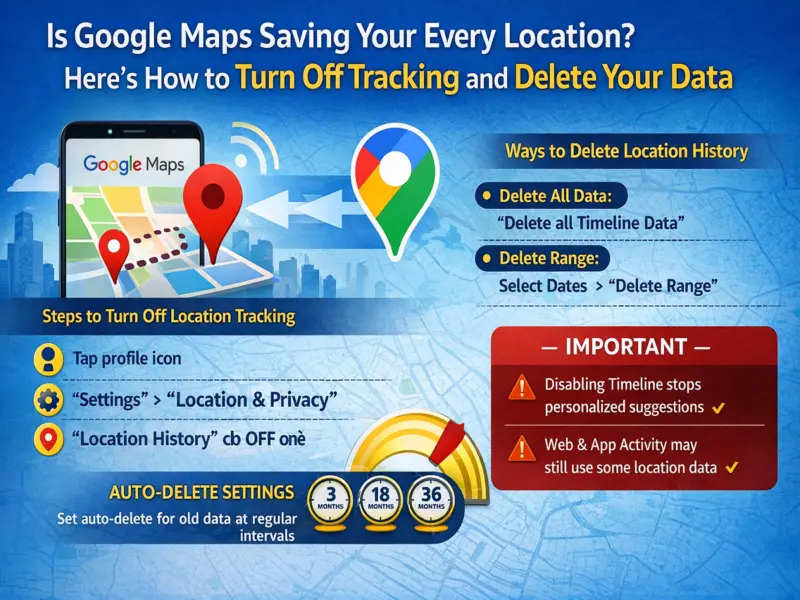

If you regularly use Google Maps, there's a good chance your location history is being recorded in the background. While this feature helps improve navigation and provides personalized suggestions, it can raise privacy concerns for many users.
The good news is that you can easily stop location tracking and delete your past data in just a few steps. Here's a complete guide to help you take control of your privacy.
Why Google Maps Tracks Your Location
Google Maps uses a feature called Location History to:
- Record places you visit
- Save routes and travel timelines
- Offer personalized recommendations
Although useful, this means your movements are continuously stored—something not everyone is comfortable with.
How to Turn Off Location History
Follow these simple steps to stop Google Maps from saving your future location data:
Step-by-Step Guide:
- Open Google Maps on your smartphone
- Tap your profile icon (top-right corner)
- Go to 'Your Timeline' or 'Settings'
- Tap the three-dot menu
- Select 'Location & privacy settings'
- Tap 'Timeline'
- Choose your Google account
- Toggle 'Location History' OFF
Once disabled, Google Maps will stop saving your future location activity.
How to Delete Existing Location History
Even after turning off tracking, your old data remains saved. Here's how to remove it:
Delete All Data:
- Open profile → Your Timeline
- Tap three dots → Location & privacy
- Select 'Delete all Timeline data'
Delete Specific Dates:
- Choose 'Delete range of Timeline data'
- Select a custom date range
Enable Auto-Delete for Extra Privacy
You can also automate data deletion:
Steps:
- Go to Location & privacy settings
- Tap Auto-delete
- Choose duration:
- 3 months
- 18 months
- 36 months
This ensures your location history is regularly cleared without manual effort.
Important Things to Keep in Mind
- Turning off Location History disables Timeline and personalized travel insights
- Google may still collect some location data through Web & App Activity
For complete privacy, review all related settings in your Google account.
Final Thoughts
While Google Maps offers powerful features through location tracking, your privacy should always come first. With just a few quick adjustments, you can stop tracking, delete stored data, and even automate cleanup.
Taking control of these settings ensures a safer and more private digital experience—without compromising on essential navigation features.