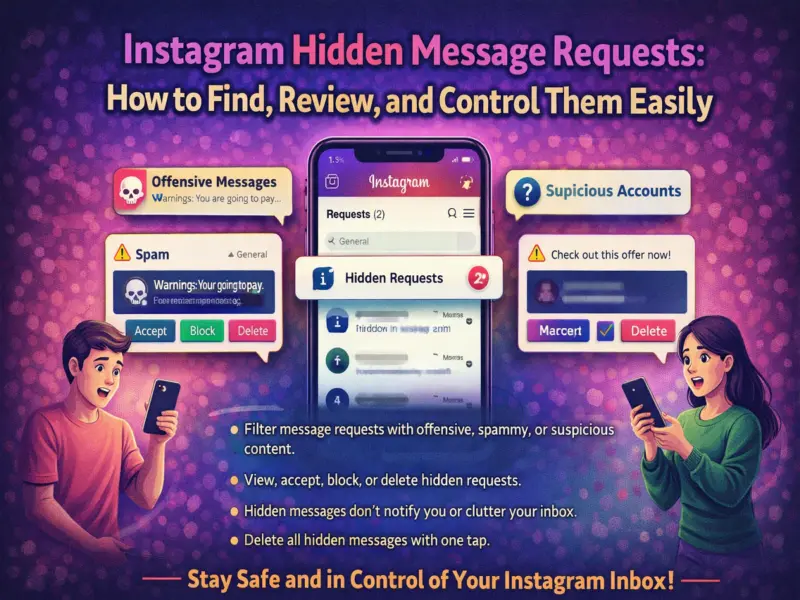

Managing unwanted messages is now easier than ever on Instagram. The platform offers a dedicated Hidden Message Requests section that automatically filters potentially offensive, spammy, or suspicious messages—keeping your inbox clean and safe.
If you've ever wondered where these hidden messages go and how to manage them, here's a complete step-by-step guide to help you stay in control of your Instagram inbox.
What Are Hidden Message Requests on Instagram?
Hidden Message Requests are messages that Instagram automatically filters based on your safety settings and preferences. These messages usually come from:
- People you don't follow
- Accounts flagged for spam or suspicious behavior
- Messages containing offensive words or phrases
Unlike regular message requests, these hidden messages do not trigger notifications, ensuring that harmful content doesn't disturb you.
Why Instagram Hides Certain Messages
Instagram uses built-in safety filters to protect users from unwanted interactions. Messages may be hidden if they:
- Contain offensive or abusive language
- Are identified as spam
- Come from unknown or suspicious accounts
This feature helps users avoid exposure to harmful content while still giving them the option to review messages manually.
How to View Hidden Message Requests on Instagram
Follow these simple steps to access hidden messages:
- Open the Instagram app on your smartphone.
- Tap on the Direct Message (DM) icon at the top-right corner.
- Tap on the Requests section.
- Select Hidden Requests.
- Tap on any message to view its content.
This section stores all filtered messages in one place.
How to Manage Hidden Message Requests
Once you access hidden messages, you have full control over what to do with them:
1. Accept a Message
If you find the message safe or relevant, tap Accept. The conversation will move to your main inbox.
2. Delete a Message
You can remove unwanted messages by selecting Delete. This permanently removes the conversation.
3. Block or Report the Sender
If the message is inappropriate or harmful, you can block or report the account directly from this section.
4. Delete All Hidden Requests
Instagram also provides an option to clear all hidden messages at once using the 'Delete All' feature at the bottom.
Important Things to Know
- Messages from people you already follow will not be hidden, even if they contain offensive content
- Hidden messages are filtered based on your Hidden Words settings
- You can adjust your privacy settings to control who can send you message requests
Tips to Keep Your Instagram Inbox Safe
To maintain a secure messaging experience, consider these tips:
- Enable Hidden Words filters for better protection
- Limit message requests to only people you follow
- Avoid engaging with suspicious or unknown accounts
- Regularly review and clean your hidden requests
Final Takeaway
The Hidden Message Requests feature on Instagram is a powerful tool to keep your inbox safe from spam and harmful content. It allows you to filter, review, and manage messages without being overwhelmed.
By understanding how this feature works, you can take full control of your conversations and ensure a safer, more comfortable social media experience.