
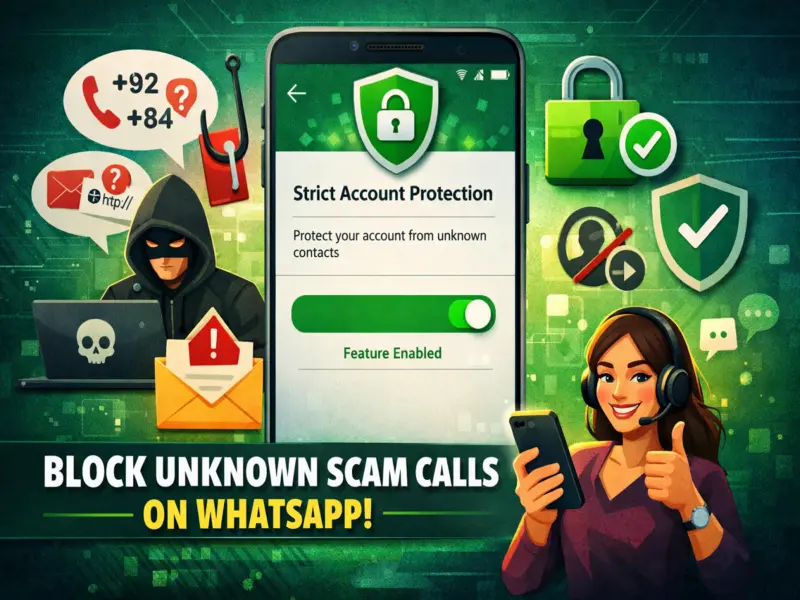

With the rapid rise in cyber fraud, even messaging platforms like WhatsApp are becoming targets for scammers. From suspicious international calls to phishing links, users are increasingly at risk of losing personal data and money.
To tackle this growing threat, WhatsApp has introduced enhanced privacy controls, including a powerful feature often referred to as Strict Account Protection—designed to safeguard users from unknown callers and malicious activity.
Why You Should Be Concerned
Many users today receive calls from unfamiliar international numbers such as +92, +84, or +62. These calls are often part of fraud schemes where scammers attempt to trick users into sharing sensitive information or clicking harmful links.
A single mistake—like answering a call or downloading a file—can expose your personal and financial data.
What Is Strict Account Protection?
The Strict Account feature is an advanced privacy setting that strengthens your WhatsApp security by limiting interactions from unknown contacts.
Once enabled, it automatically blocks or restricts suspicious activities, ensuring that only trusted contacts can reach you.
How to Enable This Feature on WhatsApp
Follow these simple steps to activate stronger security:
- Open WhatsApp on your smartphone
- Go to Settings
- Tap on Privacy
- Scroll down and select Advanced Settings
- Find the option for Strict Account Settings
- Tap on it and select Turn On
Once activated, your account will be protected with stricter privacy controls.
Key Benefits of Enabling This Setting
Turning on this feature offers multiple layers of protection:
- Blocks unknown calls: Calls from unsaved numbers are automatically silenced
- Stops unwanted messages: Messages from unknown contacts may be filtered or restricted
- Prevents auto-download of files: Suspicious media files won't download automatically
- Restricts group additions: Only saved contacts can add you to groups
- Disables risky link previews: Reduces chances of clicking malicious links
- Enhanced profile privacy: Your photo, status, and last seen are visible only to contacts
- Security alerts: You receive notifications if your security code changes
How It Helps Against Cybercrime
Cybercriminals often rely on random calls and messages to target victims. By limiting unknown interactions, this feature reduces the chances of falling into scams.
It acts as a first line of defense, especially for users who frequently receive spam calls or messages.
Additional Safety Tips
Apart from enabling this setting, users should also:
- Avoid answering unknown international calls
- Never share OTPs or personal details
- Do not click on suspicious links
- Regularly update the app for latest security patches
Final Thoughts
As digital communication grows, so do cyber threats. WhatsApp's advanced privacy features like Strict Account Protection offer a simple yet effective way to stay safe.
Activating this setting can significantly reduce unwanted calls, messages, and potential fraud—making your messaging experience more secure and stress-free.