
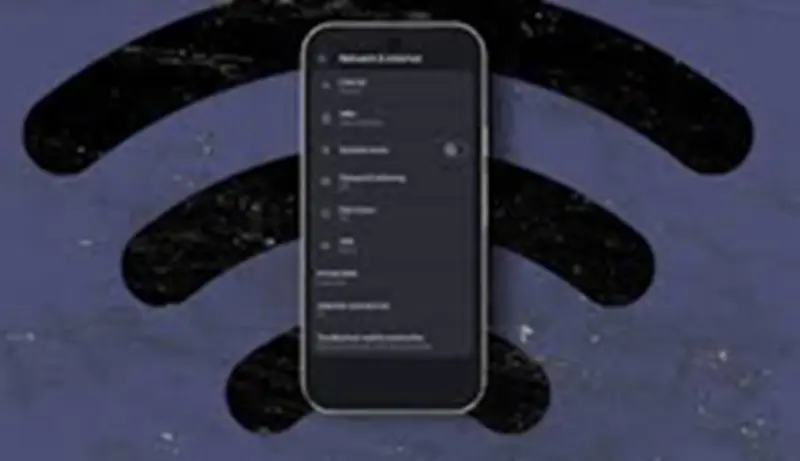

Use an Android phone as a Wi-Fi extender: Even with a powerful router, Wi-Fi signals often don't reach every corner of your home. To address this issue, you can turn your old Android phone into a Wi-Fi extender.
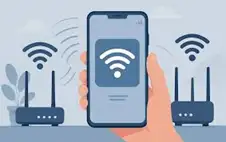
Use an Android Phone as a Wi-Fi Extender: Even after the arrival of Wi-Fi 7 and Wi-Fi 8, it seems difficult to get internet coverage in every corner of the house . If you live in a big house, then there are many corners where WiFi coverage is not available. In such a situation, one has to come closer to the router or take the help of a WiFi extender. For this, many people choose a powerful router or get a Wi-Fi mesh setup installed. Both these are such methods that are sure to increase the burden on your pocket. Today, we are going to tell you a method by which you will be able to use your old Android phone as a WiFi extender.
This old phone will work as a Wi-Fi Extender.
There are several ways to repurpose your old phone . One is to use it as a WiFi extender. Your phone will receive the home's WiFi signal and rebroadcast it. Simply put, it works like a mobile hotspot, but uses WiFi data instead of mobile data. It's not as powerful as a mesh system, but it can easily connect a single device.
How to make your phone a Wi-Fi Extender?
The process of turning your phone into a Wi-Fi Extender is quite simple. First, connect your old Android phone to Wi-Fi. Then, enable the mobile hotspot. This will create a new Wi-Fi network, allowing other devices to connect. For convenience, disable the option to automatically turn off the hotspot. This will allow your old phone to continue working as a normal Wi-Fi Extender even when no devices are connected. You can also switch between 2.4GHz and 5GHz depending on your needs.
It is important to keep these things in mind.
- If your old phone has a SIM card installed, disable mobile data.
- Place your phone somewhere between your home router and the internet dead zone. This will allow the router to extend the signal and reach the dead zone more easily.
- Keep your phone connected to the charger so that it does not switch off while you are doing important work.
- If the device supports it, set the phone's charging limit to 80.
- Battery saver mode can be turned on to save the battery of the phone working as a Wi-Fi Extender.