




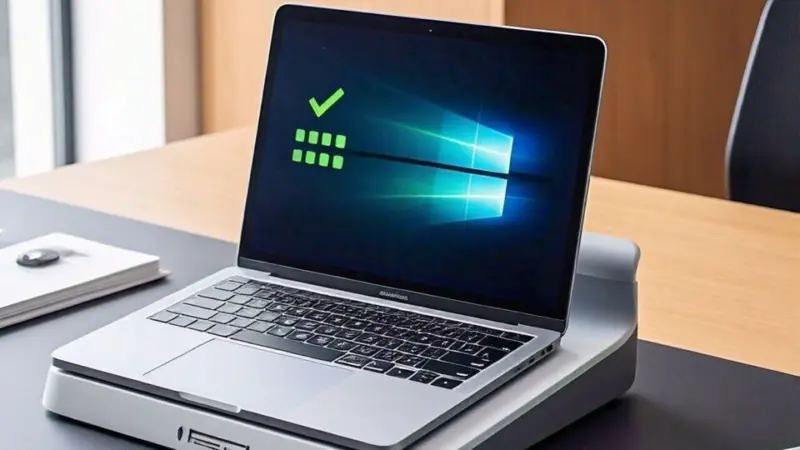

Power outages and fluctuating electricity can be a real challenge, especially during winters when the demand for energy spikes. For those relying heavily on laptops for work, entertainment, or education, having a device with long battery life can make all the difference.
Modern laptops with robust battery performance are designed to provide uninterrupted usage, even during prolonged outages.
But how do you choose the best one? Factors like battery capacity, efficiency, and charging options play a crucial role. This article explores top laptop models that excel in battery backup, offers practical tips for maintaining battery longevity, and answers common questions to help you make an informed decision. Read on to discover how to stay productive and connected, even during the toughest winters.
How do power outages affect laptop batteries?
Power outages can significantly affect laptop batteries. Frequent interruptions in power can throw off the charging cycle, making your battery performance inconsistent over time. In the long run, this could reduce its capacity and leave you with shorter usage periods. Not fun, right?
Power fluctuations are no friend to your laptop either. They can strain both the battery and internal components, which might shorten your laptop's lifespan. And if you keep your laptop plugged in all the time, there's a risk of "overcharging," slowly wearing out those precious battery cells.
To avoid such issues, consider using a surge protector or an uninterruptible power supply (UPS). Maintaining a moderate charge level and limiting dependence on continuous charging are also effective ways to preserve battery health and ensure reliable performance. These small steps can go a long way in keeping your battery happy and healthy.
Check out options for laptops with good battery life:
What are the key differences between laptop batteries, and how do they affect performance?
How can you optimise your laptop's battery performance?
Optimising your laptop's battery performance requires adopting a few practical habits. Start by enabling power-saving modes, which limit background processes and reduce power consumption. Lower the brightness of your display and turn off unnecessary features like Bluetooth and backlighting when not needed. Keep your laptop's software and drivers updated, as manufacturers often release updates that improve energy efficiency. It's also essential to manage startup programs to prevent them from consuming power unnecessarily.
Regular maintenance of the battery is vital. Avoid completely draining the battery; instead, keep it charged between 20% and 80% for optimal health. Using original chargers and keeping your laptop away from extreme temperatures can also prevent long-term damage. By following these tips, you can extend your laptop's battery life significantly, ensuring reliable performance during power outages or long periods of unplugged use.
Don't compromise on performance for portability: Lightweight laptops with cutting-edge specs
How can you ensure your laptop's battery lasts longer?
Enable power-saving features: Use battery saver or power efficiency modes to reduce energy consumption.
Update software regularly: Install updates to ensure the system uses power efficiently.
Adjust display settings: Lower the screen brightness and disable unnecessary backlighting.
Close unnecessary applications: Shut down apps running in the background that drain the battery.
Optimise charging habits: Keep the battery between 20% and 80% to maintain its health.
Disable unused connectivity: Turn off Wi-Fi, Bluetooth, and other connections when not in use.
Use original chargers: Stick to manufacturer-recommended chargers to prevent damage.
Keep your laptop cool: Avoid using the laptop in hot environments to prevent overheating.
More options for top laptops with long battery life:
Which processors are best for saving battery life in laptops?
Processors with high energy efficiency are essential for optimising battery life in laptops. Intel's Core i5 and i7 U-series processors, designed for ultra-low power consumption, are ideal for users who want a balance of performance and battery longevity. These processors are commonly found in ultrabooks and thin laptops, offering solid performance for everyday tasks without draining the battery quickly.
AMD's Ryzen 5 and Ryzen 7 U-series chips are another excellent choice, offering power efficiency and strong multi-core performance.
For an even more energy-efficient option, Apple's M1 and M2 chips have set a new standard, delivering exceptional battery life with their ARM-based architecture, optimised for low power usage without sacrificing performance. These processors are all great options for users seeking laptops with long-lasting battery life.
What factors should you consider when choosing a laptop for long battery life?
Battery capacity: Look for high-capacity batteries, typically measured in watt-hours (Wh).
Processor efficiency: Opt for laptops with power-efficient processors like the latest Intel or AMD models.
Display size and type: Smaller screens and energy-efficient display technologies like OLED or IPS help conserve power.
Operating system optimisation: Choose laptops with operating systems optimised for battery management.
Fast-charging capabilities: Ensure the laptop supports quick charging for convenience during short power availability.
Cooling system: A well-designed cooling mechanism prevents overheating and saves battery life.
Reviews: Check user reviews and independent tests for reliable battery performance insights.
Weight: Lightweight laptops often come with optimised energy management for extended usage.
Similar articles for you:
Best laptops under ₹60000: Unleash your productivity with top 10 powerful options
Disclaimer: At Livemint, we help you stay up-to-date with the latest trends and products. Mint has an affiliate partnership, so we may get a part of the revenue when you make a purchase. We shall not be liable for any claim under applicable laws, including but not limited to the Consumer Protection Act, 2019, with respect to the products. The products listed in this article are in no particular order of priority.