
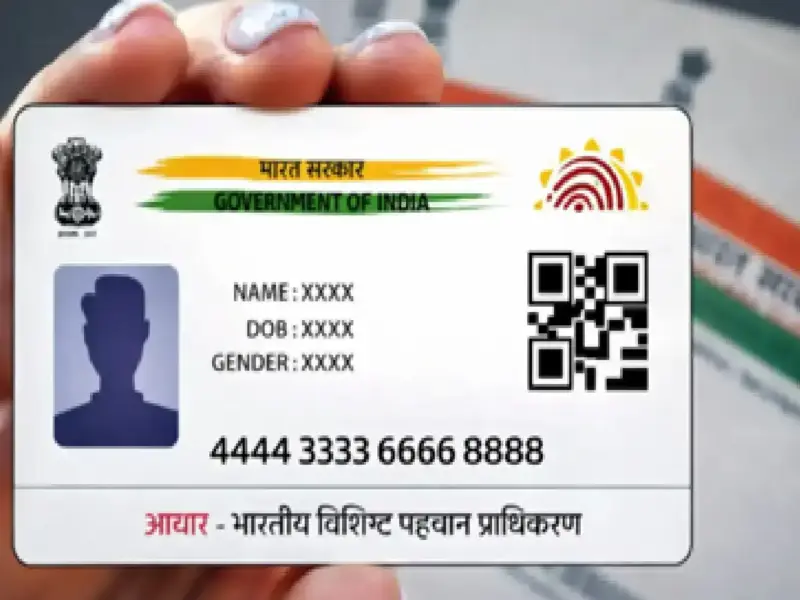

In India's increasingly digital environment, linking your mobile number to your Aadhaar card has become a necessity. It's a crucial step for availing government schemes, updating personal details, and maintaining secure access to your identity records.
If your number isn't linked or needs updating, here's a complete 2026 guide to help you complete the process online or offline and easily check its status.
If you have not registered your mobile number while enrolling for Aadhaar, then you will have to go to the Permanent Enrollment Centre to get it registered.
Steps to link your mobile number with Aadhaar in 2026
Here is a step-by-step guide to update your mobile number on your Aadhaar card.
Visit your nearest Aadhaar Seva Kendra or Enrollment Center.
Fill out the Aadhaar correction form.
Provide your current mobile number to the officials present.
Provide your biometric details (fingerprint or iris scan) for verification.
Pay the applicable fee (approximately ₹50) and collect an acknowledgement slip containing your Update Request Number (URN).
Another offline method for updating your mobile number is through a postman. Note that this service is only available in areas where this service is available. In these areas, local postmen carry electronic devices for digital updates.
Aadhaar is being made accessible for various services like government/non-government services, subsidies, pensions, scholarships, social benefits, banking, insurance, taxation, education, employment, healthcare etc., hence it is important to ensure that the data related to Aadhaar number holders stored in CIDR is accurate and updated.
Note that updates are usually completed within 30 days.
Can you link your mobile number to Aadhaar online?
No, currently, there is no facility to link your mobile number to your Aadhaar card in online mode; only online verification is available.
How to Verify Your Aadhaar-Mobile Linking Status Online
After updating your number in offline mode, you can check its status using the myAadhaar Verification page.
Visit the official UIDAI portal.
Enter your 12-digit Aadhaar number.
Provide your mobile number.
Click 'Send OTP' or 'Submit'. If linked, you will receive a message confirming the number is active.
If you have any questions, you can call the toll-free number: 1947 for assistance.