




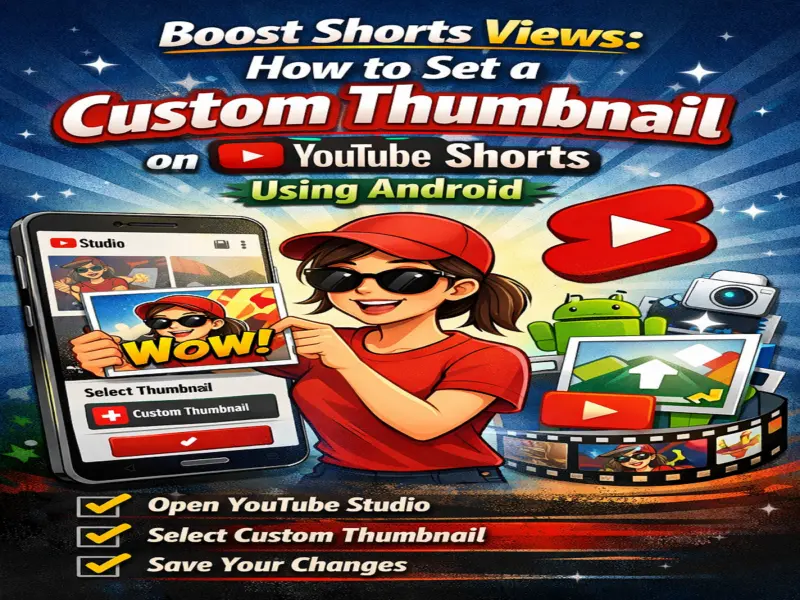

Creating engaging short videos is only half the job-getting viewers to click on them is equally important. On YouTube, thumbnails play a key role in attracting attention, even for short-form content like Shorts.
If you want your YouTube Shorts to stand out and gain more views, choosing the right thumbnail is essential. Here's a complete, easy guide to help Android users select or upload a custom thumbnail for their Shorts.
Why Thumbnails Matter for YouTube Shorts
Even though Shorts are designed for quick viewing, thumbnails still influence whether users click on your video-especially when browsing your channel or search results.
A good thumbnail helps:
Increase click-through rate (CTR)
Give a preview of your content
Make your video look more professional
Attract more viewers
Can You Add Custom Thumbnails to Shorts?
Yes-but not directly from the main YouTube app. To add or change a thumbnail, you'll need to use the YouTube Studio app, which gives creators more control over their content.
Step-by-Step: Set Thumbnail for YouTube Shorts on Android
Follow these simple steps:
1. Install and Open YouTube Studio
Download and open the YouTube Studio app on your Android device.
2. Sign In
Log in using your YouTube account credentials.
3. Go to Content Section
Tap on the "Content" tab to see all your uploaded videos.
4. Select Your Short Video
Choose the Short video for which you want to set a thumbnail.
5. Tap on Edit
Click the Edit (pencil icon) option.
6. Choose Thumbnail
Tap on the "Thumbnail" section.
7. Upload Custom Image
Select "Custom Thumbnail" and upload the image you want to use.
8. Save Changes
Tap Save to apply the thumbnail.
Tips to Create an Eye-Catching Thumbnail
To get the best results, follow these tips:
Use bright and clear visuals
Add minimal but bold text
Highlight emotions or key moments
Keep it relevant to your video content
Maintain high image quality
Important Things to Remember
Custom thumbnails may not always appear in the Shorts feed
They are more visible on your channel page and search results
Consistent thumbnails can help build your brand identity
Adding a custom thumbnail to your YouTube Shorts is a simple but powerful way to improve visibility and engagement. While Shorts are short in duration, a compelling thumbnail can make a big difference in attracting clicks.
Pro Tip
Think of your thumbnail as your video's first impression-the better it looks, the higher your chances of getting more views!