

Due to the war between Iran and Israel and the US in the Middle East, many states in India are facing a shortage of gas cylinders and petrol.
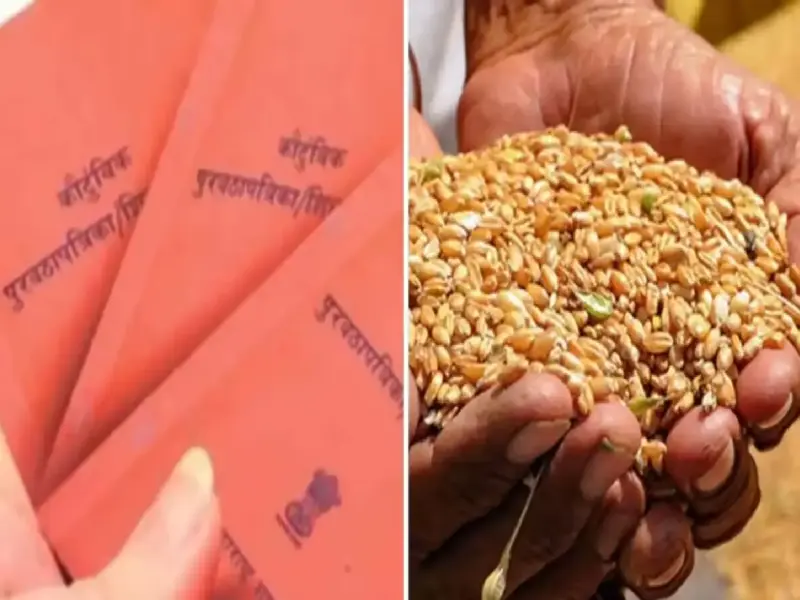
In such a crisis, it's possible that kerosene may be re-distributed at ration shops. However, failing to complete KYC or not purchasing grains for a long time can result in the ration card being suspended or deactivated. The 'UMANG' (Unified Mobile Application for New-Age Governance) app is becoming essential for such cardholders. You can update your ration card with it. Let's find out.
How will UMANG app be beneficial?
Umang is the official central government app that provides a single platform for hundreds of central and state government services, including "Mera Ration" and all services related to the "PDS" (Public Distribution System).
Online process to activate a closed ration card
If your ration card has been deactivated, follow the steps below to reactivate it. App download and registration: First, download the UMANG app from the Google Play Store. Register by entering your mobile number and setting an MPIN.
Search for 'Mera Ration' service: Type 'Mera Ration' or 'PDS' in the search bar at the top of the app.
Select State: Select the state you reside in (e.g. Maharashtra).
Check Ration Card Details: Click 'View Ration Card Details' and enter your ration card number. This will show you whether your card is active or not.
Complete e-KYC: The main reason for ration card deactivation is due to non-compliance with KYC. Go to the 'Update Member Details' or 'E-KYC' option in the app and link your Aadhaar card. After updating your member details, the process of reactivating your card will begin.
How to do E-KYC through UMANG App
Step 1: Open the UMANG app on your mobile (if not, download it from Play Store).
Step 2: Log in to the app and type 'Department of Food and Public Distribution' in the search bar.
Step 3: Select your state name (e.g. Maharashtra).
Step 4: There you will see the option of 'View Ration Card Details' or 'E-KYC', click on it.
Step 5: Enter your ration card number.
Step 6: Select the name of the member in the card whose e-KYC you want to do and enter his/her Aadhaar number.
Step 7: An OTP will be sent to the mobile number linked to Aadhaar, enter it.
Step 8: Click on 'Submit.' You will receive a message stating that your e-KYC has been successful.
PC: Maharashtratimes