




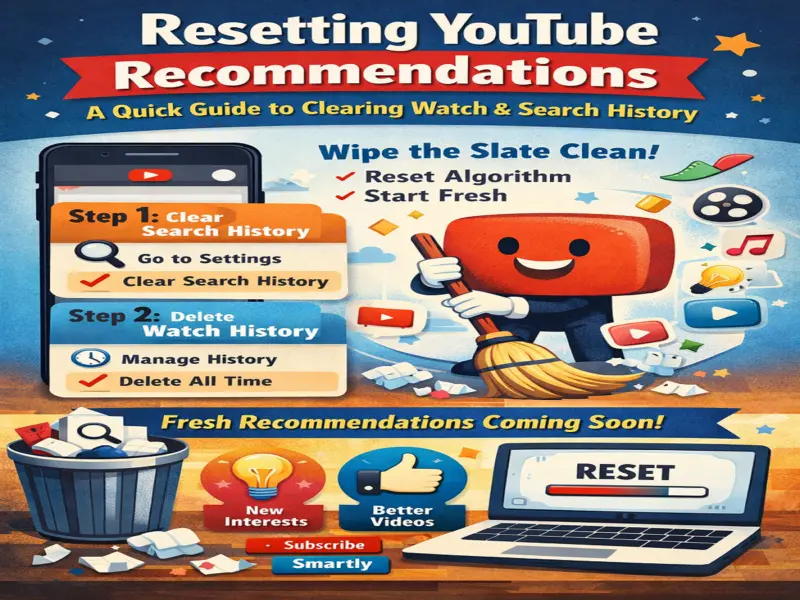

If your YouTube feed feels repetitive or filled with unwanted videos, it's likely due to your past activity. YouTube uses your watch history, searches, and interactions to suggest content-but sometimes those recommendations stop matching your interests.
The good news? You can reset your YouTube recommendations and start fresh in just a few steps. Here's a complete, easy-to-follow guide.
Why YouTube Recommendations Change Over Time
YouTube's algorithm is designed to personalize your experience. It tracks:
Videos you watch
Search queries
Likes, shares, and clicks
Based on this data, it keeps suggesting similar content. While this helps discover new videos, it can also trap you in a loop of repetitive or irrelevant suggestions.
How to Reset YouTube Recommendations
To reset your recommendations, you need to clear two things:
Search History
Watch History
Once both are deleted, YouTube's algorithm essentially starts from scratch.
Step 1: Clear YouTube Search History
Follow these steps on your smartphone:
Open the YouTube app
Tap your profile picture (top-right corner)
Go to Settings
Select History & Privacy
Tap "Clear Search History"
Confirm your action
This removes all your past searches, which heavily influence recommendations.
Step 2: Delete Watch History (Most Important Step)
Even after clearing search history, YouTube may still recommend videos based on what you've watched earlier.
Here's how to remove it:
Open YouTube
Tap your profile icon
Go to Settings
Tap "Your Data in YouTube"
Select YouTube Watch History
Tap "Manage History"
Click Delete → Delete all time
Confirm the deletion
Once done, your watch history will be completely erased.
Optional: Pause YouTube History for Better Control
If you don't want YouTube to track your activity in the future:
Go to History & Privacy
Enable:
Pause Watch History
Pause Search History
This prevents YouTube from storing new data and influencing recommendations.
What Happens After Resetting?
After clearing your data:
Your homepage will look more generic
You'll see trending or random content
Recommendations will slowly rebuild based on new activity
This gives you a fresh start to train the algorithm according to your current interests.
Tips to Improve Future Recommendations
To get better suggestions after resetting:
Watch content you genuinely like
Use "Not Interested" on unwanted videos
Subscribe to relevant channels
Avoid random clicks on unrelated content
These actions help YouTube understand your preferences more accurately.
Final Thoughts
Resetting YouTube recommendations is a simple yet powerful way to regain control over your feed. By clearing your search and watch history, you can eliminate unwanted suggestions and rebuild a more personalized experience.
Quick Tip
If your feed feels off, clearing your history is the fastest way to "restart" your YouTube experience.