




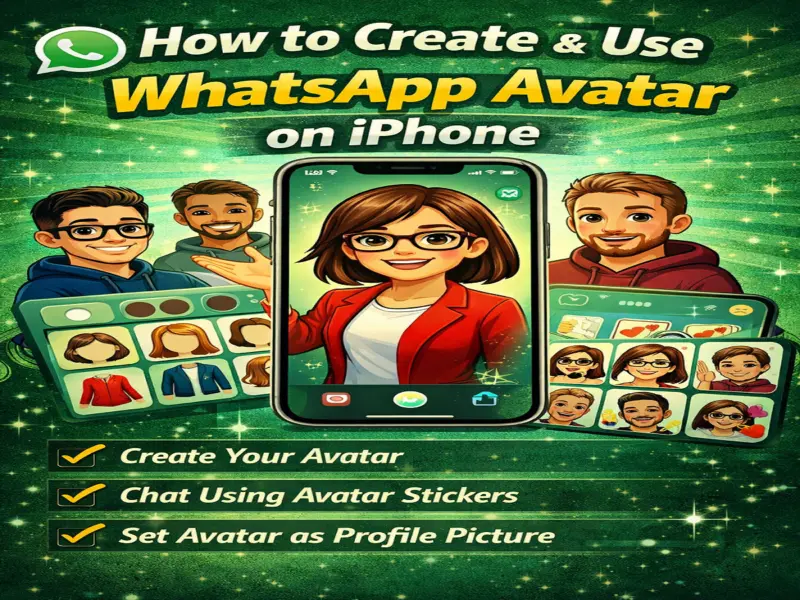

Personalised avatars are becoming a popular way to express yourself online, and now you can create your own directly on WhatsApp using an iPhone.
This feature lets you design a digital version of yourself and use it in chats, stickers, and even as your profile picture.
Here's a complete, easy-to-follow guide to help you create and use WhatsApp Avatar on your iPhone.
What Is a WhatsApp Avatar?
A WhatsApp Avatar is a custom digital character that represents you. You can personalise it by selecting:
Skin tone
Hairstyle and colour
Facial features (eyes, nose, lips, face shape)
Outfit and accessories
Once created, WhatsApp automatically generates a full set of stickers based on your avatar, showing different emotions and actions.
How to Create WhatsApp Avatar on iPhone
Before starting, make sure your WhatsApp app is updated to the latest version.
Follow these steps:
Open WhatsApp on your iPhone
Tap on the Settings tab at the bottom
Select Avatar
Tap Create Your Avatar
Tap Get Started
Choose your:
Skin tone
Facial features
Hairstyle
Outfit
(Optional) Take a selfie for better matching
Preview your avatar and make adjustments
Tap Done to save
Your avatar is now ready!
How to Use WhatsApp Avatar Stickers
After creating your avatar, WhatsApp automatically turns it into stickers.
Steps to send:
Open any chat (individual or group)
Tap the emoji icon
Go to the Avatar section
Choose a sticker and send
These stickers can also be replied to or forwarded by others.
How to Set Avatar as Profile Picture
You can also use your avatar as your display photo.
Steps:
Open WhatsApp
Tap Settings
Tap your profile picture
Tap Edit
Select Use Avatar
Choose:
Expression style
Background colour
Tap the tick icon to confirm
Your profile picture will now be updated with your avatar.
Why Use WhatsApp Avatar on iPhone?
Using avatars adds a fun and personal touch to your chats. It helps you:
Express emotions visually
Create a unique identity
Make conversations more engaging
Final Thoughts
WhatsApp Avatar on iPhone is a simple yet powerful feature that enhances your messaging experience. With easy setup and rich customisation options, you can create a digital version of yourself in just a few minutes.
Quick Tip
Choose features that closely match your real look-it makes your avatar feel more authentic and fun to use!