
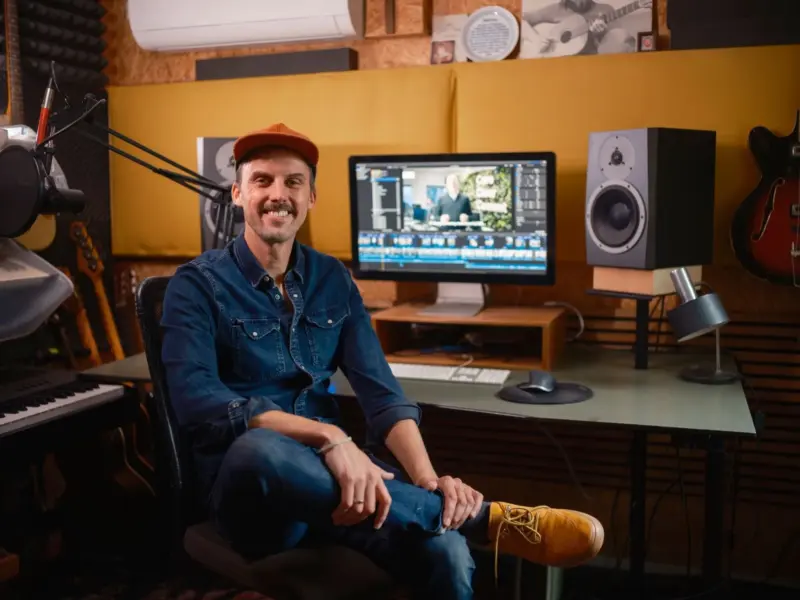

If you're an entrepreneur, video is no longer optional. Video is how you demonstrate your product, tell your audience why they need you, build trust with your target market and remain visible online.
The challenge is that producing video content consistently can become a bottleneck real fast if your editing software is slow, hard to figure out, or overkill for your needs.
The good news is that in 2026, video editing software has never been more accessible. You can now choose from powerhouse programs used by video production studios all the way down to lightweight editors that are intuitive and optimised for speed. The right solution can save you hours of time every week and help your content look more professional.
Here are some of the best options to consider if you're looking to take your video content up a notch.
For entrepreneurs who want professional power and flexibility, it doesn't get any better than Adobe Premiere Pro. It can handle everything from basic cuts for social media, right up to complex multi-layered edits that include colour grading, audio mixing, and motion graphics.
Best of all, if you're a student, you'll find Adobe Premiere Pro for students at discounted rates and plans. This provides a cheaper way to access industry-standard software without a large upfront investment.
For business owners who produce content on a daily basis, Adobe Premiere Pro will ensure you've got professional-quality video right at your fingertips. Because it's part of the broader Adobe Creative Cloud family (think After Effects for motion design and Audition for audio), it's much easier to build a complete workflow around it.
Best for: Entrepreneurs who want professional-grade control, scalability, and a long-term editing solution that can grow alongside their business.
For those who don't want to commit to a subscription but are still looking for a high-end video editing tool, DaVinci Resolve is a popular option. Created by Australian company Blackmagic Design, it's famed for its professional-grade colour grading (some of the best around) and impressive audio tools that are baked directly into the software.
The free version is surprisingly well-rounded, enabling you to edit, colour correct, add effects and work with audio all in one place. If you find that the free version is too limited, then the paid-for Studio edition gives you even more powerful tools for a one-off purchase.
It's great for small business owners who are really into colour and sound, or anyone who is looking for a pro-quality suite without ongoing fees.
Best for: Business owners who prioritise colour quality and audio, and want a powerful, studio-level tool without committing to a monthly subscription.
Final Cut Pro has long been a favourite, especially among Mac users, and in recent years it's become even smarter through an array of new AI-powered features. Some of these new features include intelligent subject isolation, built-in audio subtitling, beat detection, and automatic montage creation.
This software tends to be a favourite for people already using Apple devices, mainly because everything just runs faster and more smoothly. Editing feels snappier, and exporting doesn't take forever, which makes a big difference when you're working to a deadline.
Another perk is that you pay for it once instead of dealing with a monthly subscription, which a lot of entrepreneurs prefer. If you're already deep in the Apple ecosystem, or if you want something that is simple, easy-to-use, quick, and reliable — it's a bit of a no-brainer.
Best for: Mac-based entrepreneurs who value speed, stability, and a one-time purchase over subscriptions.
You don't need a full professional editing suite for every single video. Sometimes you just need to slap something together quickly and get it published the same day. This is something Adobe Express was created for. It's completely web-based, easy to use, and designed for simplicity rather than complex timelining.
Its most significant strength is how simple it is to get started, especially if you're new to video editing. You can drag in clips, trim them, add text, music, and your brand colours in just minutes. It's great for social posts, promos, announcements, or quick ads without getting bogged down in a complex timeline.
Plus, if you're already using Adobe Express for graphics or other marketing materials, having video in the same place just makes life easier and keeps everything consistent. It's less about editing like a filmmaker and more about putting together solid, good-looking content without spending hours on it.
Best for: Entrepreneurs who need to create branded videos quickly for social media, promos, or announcements with minimal learning time.
Filmora is a great choice for entrepreneurs who want to get a solid grounding in the fundamentals of video editing before jumping into the deep end of things. It's intuitive, easy to use (drag and drop friendly), and it includes a lot of built-in effects, transitions, and templates that let you work quickly. The interface is also highly user-friendly, so you won't have to sit through twenty YouTube tutorials just to create your first cut.
It's particularly useful if you're leaning into marketing videos, explainers, or social clips and want a gentler learning curve than the heavyweights. For solo entrepreneurs and small teams who don't have the time to 'learn editing', the beauty of Filmora is that it allows you to create content that looks professional and polished without feeling confusing or intimidating.
Best for: Solo founders and small teams who want professional-looking videos with a gentle learning curve and built-in creative tools.
Let's face it, most professional editors will likely cringe a little when you mention CapCut. But there's a reason it's so popular in 2026. If you understand that it's not trying to go toe-to-toe with studio-grade software, it makes more sense. You can quickly throw clips into CapCut, trim them to size, add captions, music, and effects within minutes — no technical skills required.
You aren't going to find super precise controls or fancy timelines, but that's not the point. For entrepreneurs who just want to get content out quickly, especially for TikTok, Reels, or short promos, that simplicity is a huge win. It removes the overwhelm and allows you to focus on telling your story rather than trying to work out complex tools. It's not fancy, but for quick, everyday footage, it does the job just fine.
Best for: Entrepreneurs focused on short-form content like TikToks, Reels, and quick promos where speed and simplicity matter most.
Canva isn't exactly what people imagine when they think of video editing software, but it's honestly a lifesaver for quick, everyday content. You're not navigating complex timelines or technical tools. You drag things around, drop in your clips, add some text and music, and you're done.
And if you're already using Canva for your socials, flyers, or presentations, it feels super natural to use for video too. Your colours, fonts, and branding are all right there, so everything matches without extra effort. It's excellent for snappy promo videos, announcements, or short social videos — essentially whenever you need something that looks professional and polished without spending hours wrestling complicated software.
Best for: Entrepreneurs already using Canva for marketing who want fast, consistent video content without dealing with complex timelines.
Video editing doesn't have to be super complicated to be effective. Most entrepreneurs aren't trying to make feature films. They're just after clear, professional videos that tell their story and get the message out there.
Look for editing software that matches your current skill level but still gives you room to grow. A clean interface, simple export options, and built-in templates or presets can make a big difference when time is limited. If the process feels workable, you're far more likely to stay consistent with your content.
So, start with something manageable, build confidence, and then you can choose to upgrade if you outgrow it. The easier the process is, the more you are likely to keep at it, and consistency beats fancy effects any day.
Focus on creating, not overthinking, and you'll get much better results in the long run.