
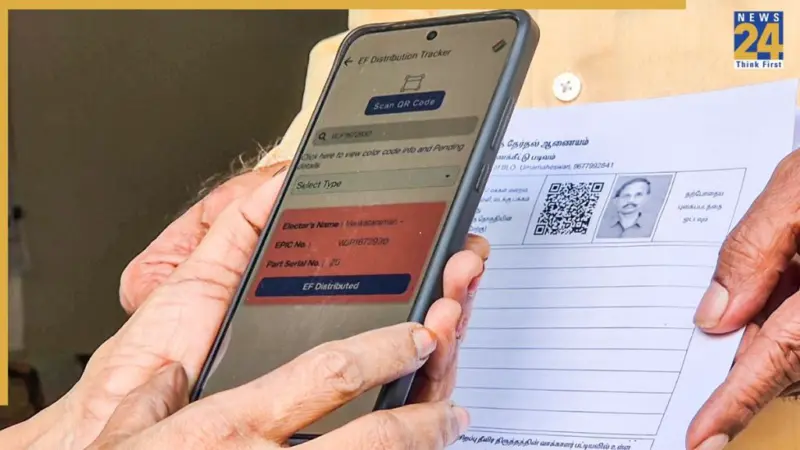

The Election Commission on Sunday announced that the deadline for voters to submit enumeration forms for the ongoing Special Intensive Revision (SIR) has been extended from December 4 to December 11 in nine states and three Union Territories.
Because of this change, the final electoral roll will now be published on February 14 instead of February 7 next year. This decision comes shortly after a Supreme Court bench, led by Chief Justice of India Surya Kant, said that it could ask the Election Commission to extend the draft roll publication deadline if the petitioners provide valid reasons.
If you recently submitted your SIR Enumeration Form to your Booth Level Officer (BLO) or through the online portal, you can now easily check whether your details have been entered into the Election Commission's system. The ECI website offers a simple login option for voters to confirm whether their BLO has uploaded their information. Here's a quick guide to help you check the status of your form.
How to Check If Your BLO Has Uploaded Your Enumeration Form
Step 1: Visit the ECI website
• Open your browser and go to voters.eci.gov.in
Step 2: Open the Enumeration Form section
• On the homepage, click "Fill Enumeration Form"
Step 3: Sign up if you're a new user
• Click Sign Up
• Enter your mobile number, optional email ID, and the captcha
• Complete the registration
Step 4: Log in if you already have an account
• Click Login
• Enter your mobile number and captcha
• Click Request OTP
• Enter the OTP and log in
Step 5: Go back to the Enumeration Form page
• After login, your name will appear at the top
• Click Fill Enumeration Form again
Step 6: Enter your EPIC number
• Type your voter ID (EPIC) number in the box
Step 7: Check the status
• Press Search to see whether your form is uploaded
How to Read the Result
Step 8: If the form is uploaded
• You will see a message saying:
"Your form has already been submitted with mobile number XXXXX"
• This means your BLO has successfully uploaded your details.
Step 9: If the form is not uploaded
• No confirmation message will appear
• Instead, a blank enumeration form may open, meaning your details are not yet digitised
Step 10: If the shown details are wrong
• You may need to correct the information by filling a new form or contacting your BLO.
Under the second phase of the SIR schedule, the last date to submit enumeration forms was earlier December 4, and the draft voter list was supposed to be released on December 9. Now, voters in these 12 states and Union Territories have been given one more week to fill out their forms and submit them to their Booth Level Officers (BLOs). The BLOs will then upload the details on the EC's ECINet portal. The draft voter list will now be published on December 16.
Anyone who submits their form by December 11 will be included in the draft roll. The final voter list will be released on February 14 next year.