




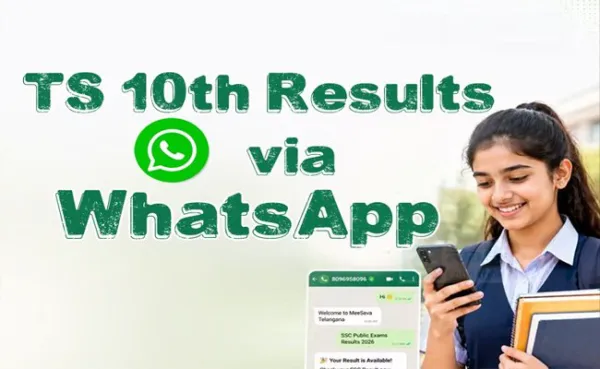

The results officially announced by the education department at the SCERT Campus, Hyderabad, and will be available online and through WhatsApp services for quick and easy access.
Students who appeared for the exams can check their marks using their hall ticket number through the official result websites. Due to expected heavy traffic on result portals, students may experience slow loading times immediately after the announcement.
To make the process easier, the education department has also enabled a WhatsApp-based result service through MeeSeva, allowing students to directly receive their marks on mobile phones.
10th Class results-
10th Class results-
How to Check TS SSC Results on WhatsApp
- Save 8096958096 on your mobile phone
- Open WhatsApp and send "Hi" to the number
- Follow the automated instructions
- Enter your Hall Ticket Number
- Receive your marks memo instantly on WhatsApp
How to Check Results through website:
- Go to the website sakshieducation.com
- Click on "SSC Public Examination March 2026 Results"
- Enter your Hall Ticket Number
- Click on Submit
- Your result will appear on the screen
- Download the marks memo and take a printout
More details like pass percentage and other updates will be announced along with the results.
Students are advised to keep their hall ticket numbers ready in advance to avoid delays.
☛