




There was a time when editing videos meant sitting in front of a heavy desktop computer, opening confusing software, and praying your system would not crash halfway through exporting.
Now things are different as you don’t have to waste hours editing a video, thanks to smart apps. Your smartphone alone can create Instagram Reels, YouTube Shorts, travel vlogs, cinematic videos, and even professional business content.
The real problem today is not finding a video editing app, but choosing the right one. Every app claims to be "the best," but only a few actually make editing simple, smooth, and fun for you.
If you are someone who wants better videos without learning complicated editing skills, these mobile editing apps are worth trying.
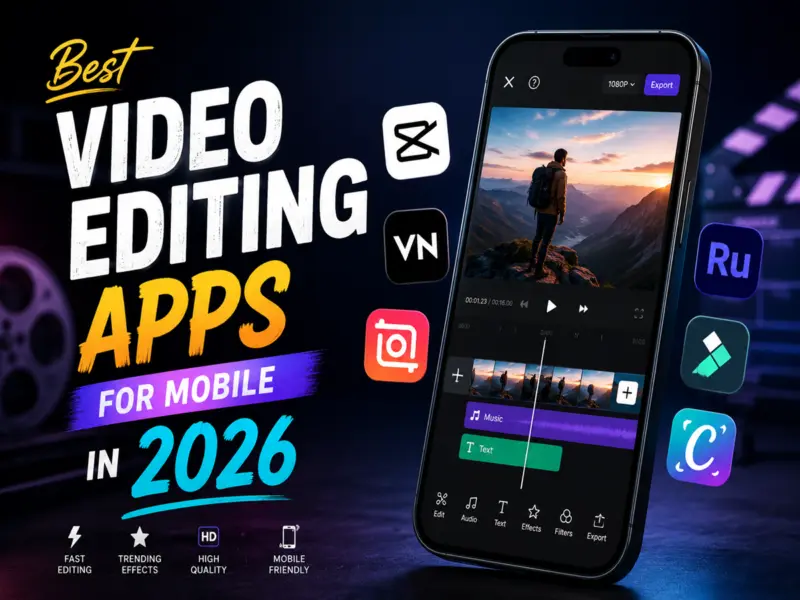
Best Video Editing Apps in 2026
1. Adobe Express
This app is perfect for beginners who want quick and clean edits. Adobe Express offers ready-made templates, transitions, text effects, and social media-friendly tools. You do not need professional editing knowledge to use it. The interface feels simple, and exporting videos for Instagram or YouTube is fast. It works especially well for creators, students, and small business owners who want polished videos without spending hours editing.
2. VN Video Editor
VN Video Editor became popular because it gives powerful editing features for free. Many creators use it for cinematic edits and smooth transitions. The app supports multi-layer editing, speed control, music syncing, and professional-looking effects. Despite having advanced tools, it still feels beginner-friendly. If you want professional-style edits without paying for expensive software, VN is one of the strongest options available.
3. CapCut
CapCut is everywhere right now, and there is a reason for that. It is fast, trendy, and built for short-form content. The app includes automatic captions, AI effects, transitions, trending templates, background removal, and music syncing tools. Even beginners can create viral-style edits within minutes. For people focused on Instagram Reels, TikTok, and YouTube Shorts, CapCut feels almost made for social media creators.
4. InShot
InShot keeps things simple. The app is clean, lightweight, and very easy to understand. You can trim clips, add music, apply filters, resize videos, and create quick edits without confusion. Many people use InShot because it does not feel overwhelming. It is ideal for casual creators who want fast edits directly from their phone gallery.
5. Canva
Most people know Canva for graphic design, but its video editing tools are surprisingly useful. You can create social media videos, promotional clips, presentations, and animated content with drag-and-drop simplicity. The templates save a lot of time. If your content needs text-heavy videos or business-style visuals, Canva works really well.
6. Filmora
Filmora offers a balance between beginner simplicity and professional features. The app includes effects, transitions, AI tools, stickers, filters, and audio controls. It feels more advanced than basic editing apps, but it does not become too complicated. Creators who want to slowly improve their editing skills often enjoy Filmora.
7. KineMaster
KineMaster has been one of the most trusted mobile editing apps for years. It supports layers, green screen editing, voiceovers, blending modes, and detailed timeline editing. The app feels close to desktop editing software. It is great for users who want more control over their videos without moving to a computer.
8. Adobe Premiere Pro
Adobe Premiere Pro is already famous in the professional editing world, and its mobile experience is becoming stronger too. The app delivers powerful editing tools, colour adjustments, transitions, and smooth workflow support. It is best for creators who already understand basic editing and want advanced features. For serious content creators, Premiere Pro remains one of the biggest names in video editing.
Conclusion
The best video editing app really depends on what kind of creator you are. Some people want quick Instagram edits. Others want cinematic storytelling. A few want professional control directly from their phone.
If you are a beginner, apps like InShot, Canva, and Adobe Express are easy starting points. If you want advanced editing without a laptop, VN, CapCut, Filmora, and KineMaster are excellent choices. And if you are aiming for professional-level content creation, Adobe Premiere Pro can take things further.
The good news is that mobile editing has become powerful enough to replace heavy desktop setups for many creators. Sometimes the next viral video is already sitting in your gallery. You just need the right app to edit it.