
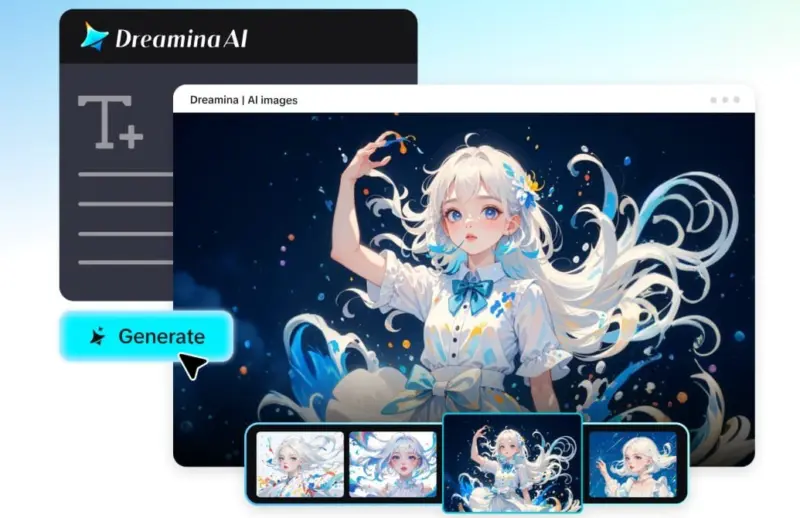

Creating images is not only for professionals anymore nor does one need expensive software to generate them. The GPT image 2 makes creating images out of text extremely simple and fast, even fun.
The best thing about this tool is that anyone can use it, whether you are a blogger, a student, or an entrepreneur, and create amazing images from a mere paragraph using this tool. Applications such as Dreamina are making it even simpler than before to achieve the task using AI technology.
Describe with words, and evoke emotions
Pictures come from stories. Don't think of the design; think of the narrative. Create scenes with moods, emotions, and details. For instance, rather than just writing “sunset,” you may describe a “golden and warm sunset with blue skies, calm seas, and orange reflections in the gentle waves.”
You will have an easier time creating:
•cinematic social media content
• attractive blog artwork
• engaging art pieces
All of this relies on incorporating such aspects as lighting, color, and emotions. Audiovisual storytelling makes visual storytelling engaging.
Create brand visuals without design skills
If you have a business or startup, brand consistency is key. Rather than templates, you can generate images in line with your brand.
If you have a food business, for instance, you can request images with fresh, minimal, and clean designs. You can generate:
• Product images
•Promotional banners
•Social media creatives
The advantage is flexibility. You can adjust your text until the image reflects your desired type of brand. As a result, you can build your own style over time, without being a professional graphic designer.
Experiment with artistic styles and concepts
AI image generators help you create styles that are traditionally very time-consuming. You can be realistic while dreaming and experimenting.
Mix and match subject matter with:
•Futuristic
•Vintage
•Cartoon or anime-inspired
• Abstract or surreal
For example, the phrase “a futuristic city in the sky with glowing neon and lights” results in something quite different from a typical cityscape. This has potential for brainstorming art projects, digital artwork, and even distinctive branding images.
Turn ideas into visual prototypes
Text-to-image generators are not only useful for creativity, though; they are also ideal for planning. Rather than verbalize, you can demonstrate.
You can visualize:
•Interior design concepts
•Product packaging ideas
•App or website designs
This helps you communicate more effectively, particularly when collaborating on projects or business initiatives. Visualising your idea as an image will help you craft it into a design more quickly and to better communicate it without having to describe it.
From sketch to success: Dreamina’s 3-step whimsy
Step 1: Open up the canvas with AI Image in Dreamina
To begin, launch Dreamina and click on the “AI Image” option on the homepage. Within, select the “Upload” button and select an image if you need inspiration or assistance for your result. This will get you thinking about where to begin with your visual creation and can give you some inspiration.
Step 2: Be inspired by the GPT Image 2
Then, choose the GPT Image 2 model and choose the resolution and size. Then, add a detailed description of the image you have in mind. When you are satisfied, click “Enter”, and the system will create several variations of your image according to the description.
Step 3: Finalise and download your artwork
Dreamina generates four versions of the image. Select the one that comes closest to your expectations, and use features such as inpaint or remove to make adjustments. Press the “Download” button to download your finalised image to your device.
Making your prompts more effective
You can produce much better images by knowing how to use GPT image 2. The line between a good image and a fantastic image can be determined by the quality of prompts you use.
A good prompt will typically contain:
•A clear subject
•Visual style or theme
•Mood or emotion
•Lighting or other details
So, instead of typing “gym food” you might use “a clean meal prep set up with grilled chicken, vegetables and rice, soft natural lighting, soft minimal background, high detail”. This enables the AI to deliver more precise and appealing artwork.
Democratising creativity
A wonderful feature of this technology is its accessibility. There are now free GPT image 2 tools available to get you started.
This accessibility means:
•Students can design project images
•Entrepreneurs can quickly create marketing material
•Artists can concepts without limits
Creativity becomes more important than skills. Now everyone can give shape to their ideas, making creativity more accessible.
Building a consistent creative style
Over time, you will see some consistencies in your work. You will learn how to use prompts and will develop a distinct style.
You can:
•Create prompt templates
•Keep visual elements consistent
•Create a distinctive “brand”
Ideal for businesses and personal brands seeking to make an impact in a sea of content. Familiarity leads to trust.
Bringing imagination to life
Converting text to images is creative, and it is not merely about creating images, but communicating ideas. Dreamina’s GPT image 2 integration makes the creation process quick, easy, and fun.
Through storytelling, creativity and prompts you know how to create meaningful and beautiful images. As you practice, your skills improve, and you gain more confidence in your creativity. Ultimately, it all comes down to your imagination. Words and technology are the keys to unleashing your imagination.